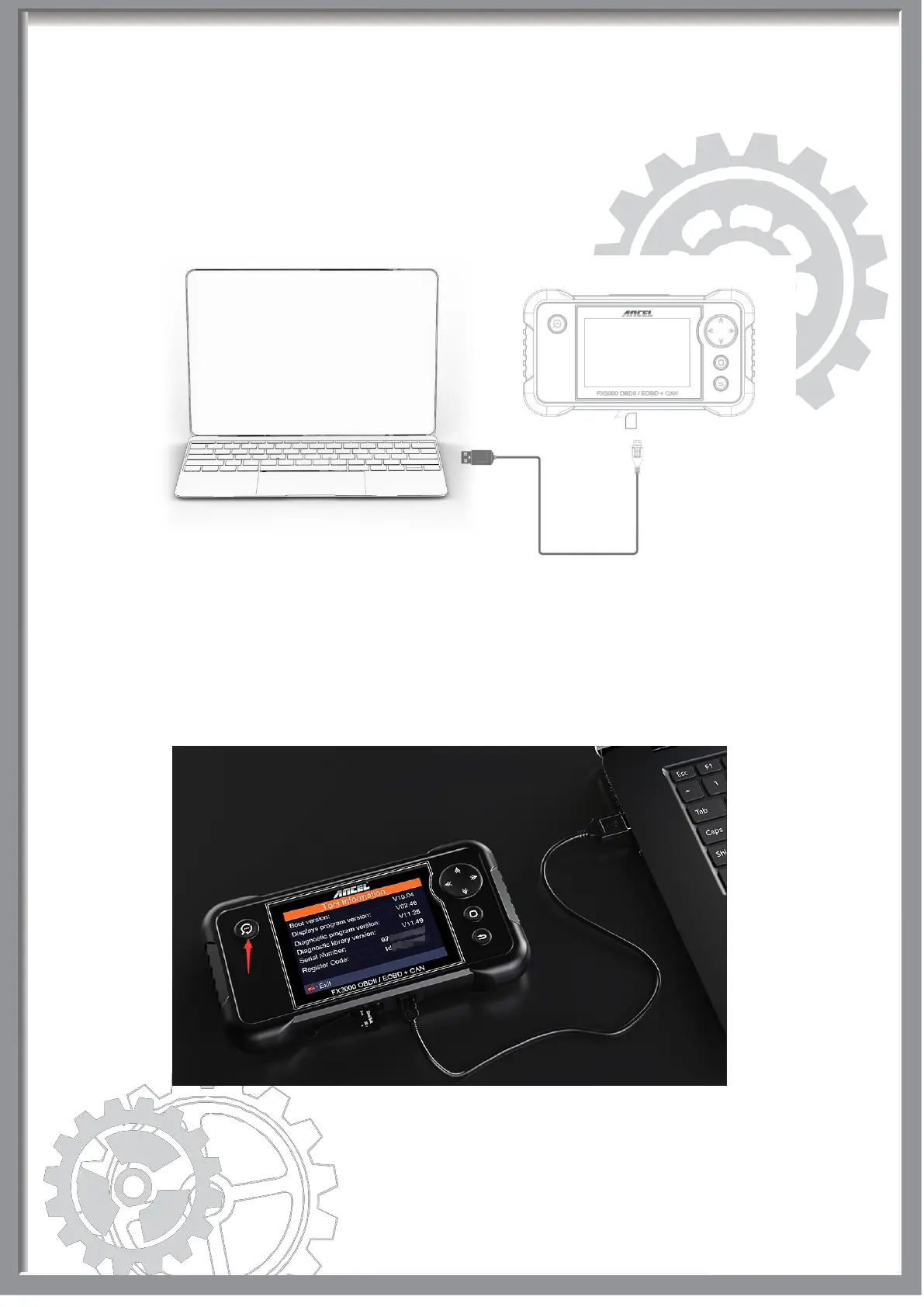
Step 9: Once all steps complete, reinsert the memory card into the device and
power the device via USB cable or OBD2 cable.
If the screen doesn’t show any reaction, please disconnect the USB cable,
and try it again.
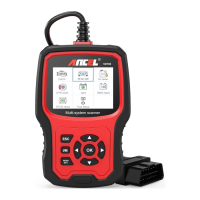
Step 10: A new version information displayed on the screen like picture below.
Note: The upgrade profile has been already downloaded in the memory
card, so just hit the “NO-ESC” button to enter the diagnosis menu.
Finally, if you have any question, please do not hesitate to contact
us, and please be assured that we will be here to help you.


 To Previous Page