HD Series
16
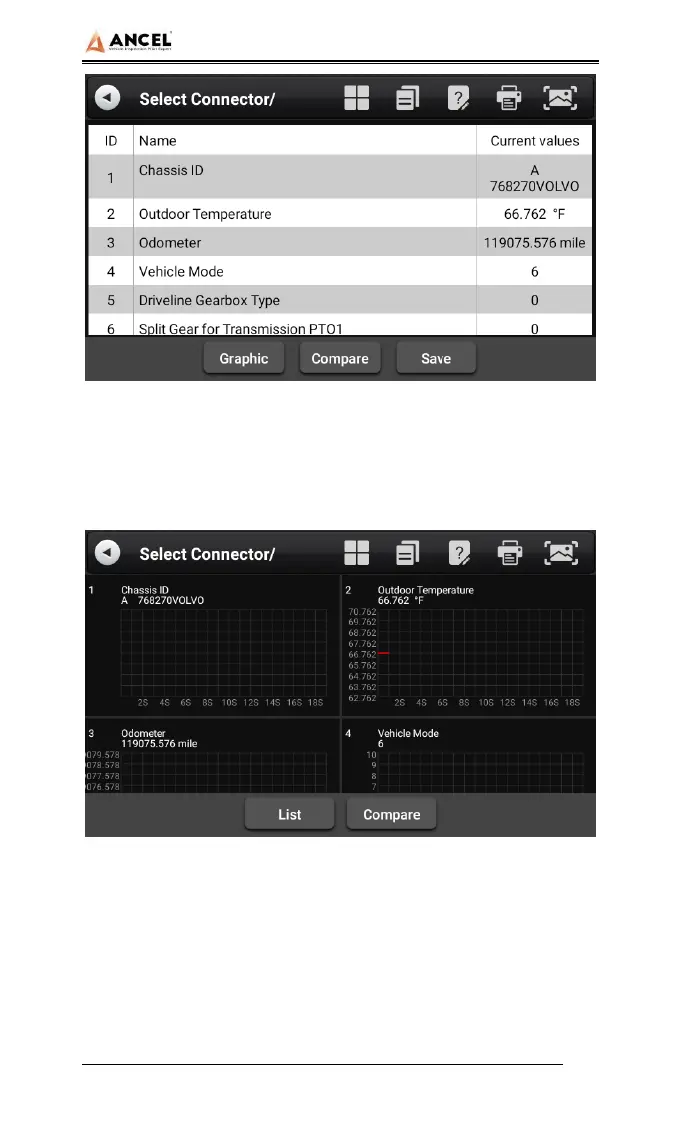
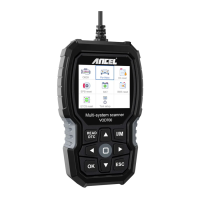
Graphic: View the real-time operating parameters of the
unit in the data stream waveform graph mode, and select
[List] to return to the numerical display state.
Compare: Compare the data steam. Select a saved data
file of the same vehicle type in the pop-up dialog box, and
select [OK] to return, and then an additional column
"CMPR values" in the data stream interface.


 To Next Page