EasyManua.ls Logo

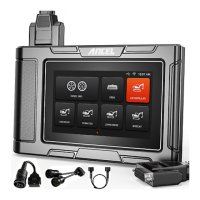
ANCEL HD3600 - Printer Configuration (Optional); Power On;Off

ANCEL HD3600
32 pages
Print Icon
To Next Page IconTo Next Page
To Previous Page IconTo Previous Page
Loading...
HD Series
5
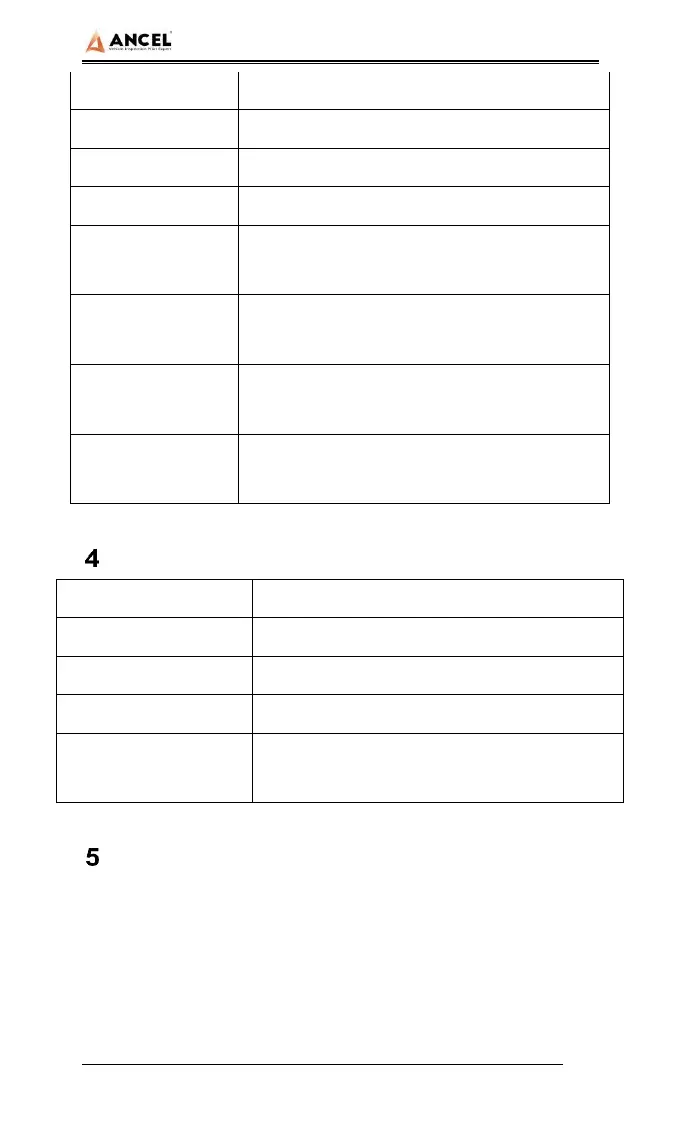
TP touch screen
Capacitive screen
WIFI
802.11b/g/n 2.4GHz
Horn
Support
USB interface
Type C interface
Diagnose
interface
DB15 interface
Operating
voltage
DC 10V~24V/3A
Operating
temperature
-20~60
Storage
temperature
-30~70
Printer Configuration (Optional)
Printer
Print speed
Effective print width
Print resolution
Print paper
specifications
Power On/Off
Power on
The device can be powered on in the following ways:
Vehicle power on: plug one end of the main diagnostic test line
into the DB-15 interface of the device, and the other end into the
diagnostic interface of the vehicle, and the device will

Related product manuals