HD Series
22
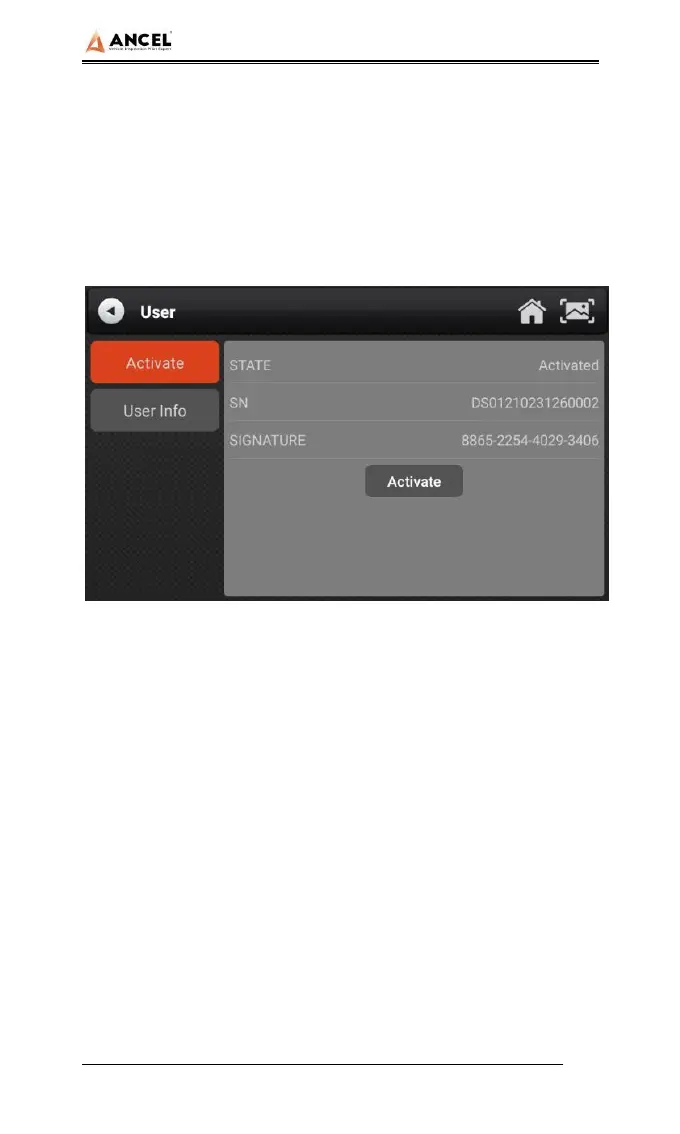
The products are not activated when they leave the factory.
Connect the network to enter the setting, and click
【Activation】 to activate the machine.
Note: Please ensure that the device is connected to an
effective Wi-Fi network before performing the activation
operation.
2) User Info
Set your personal information: name, telephone, email,
address, etc.


 To Next Page