HD Series
25
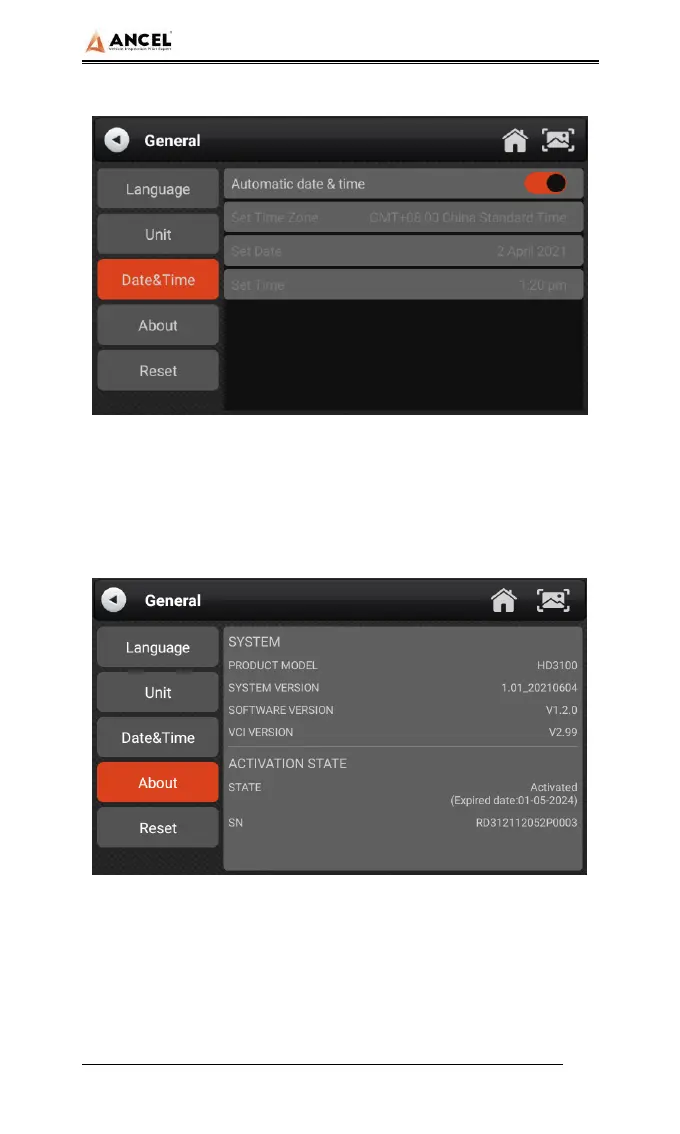
manually.
4) About
This option is used to look up the device model, version, serial
number, etc.
5) Reset
This option can restore the original settings of the device, which
will delete all the data stored in the device, including the
activation information and model data. You need to re-connect


 To Next Page