2) After you have registered the battery change, disconnect the
device from the vehicle.
3) Transfer the data to your computer and create a feedback
file. (You will need to download the upgrade file from the ANCEL
website to your computer).
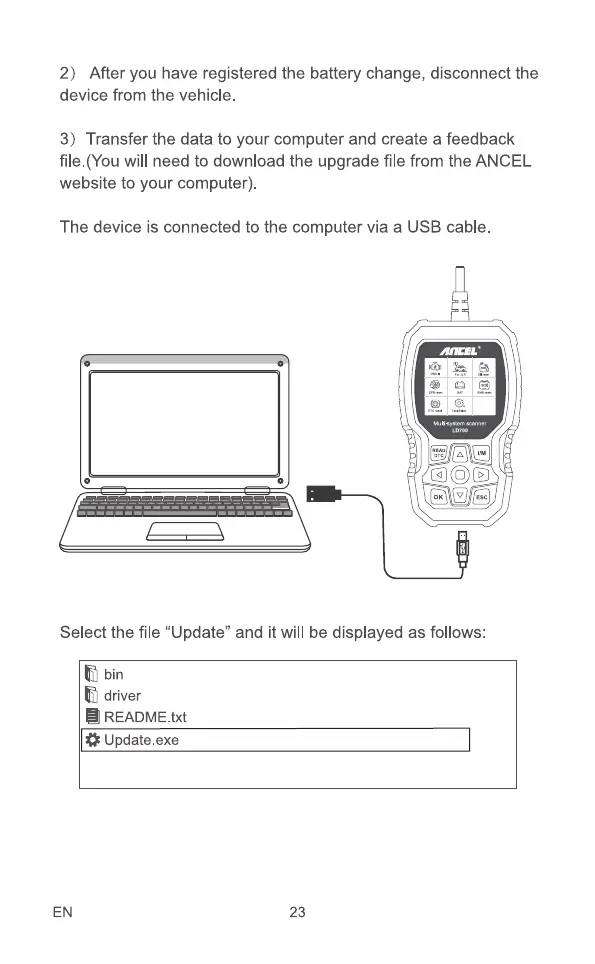
The device is connected to the computer via a USB cable.
Select the file "Update" and it will be displayed as follows:
bin
driver
README.txt
Update .exe
EN 23



 To Next Page