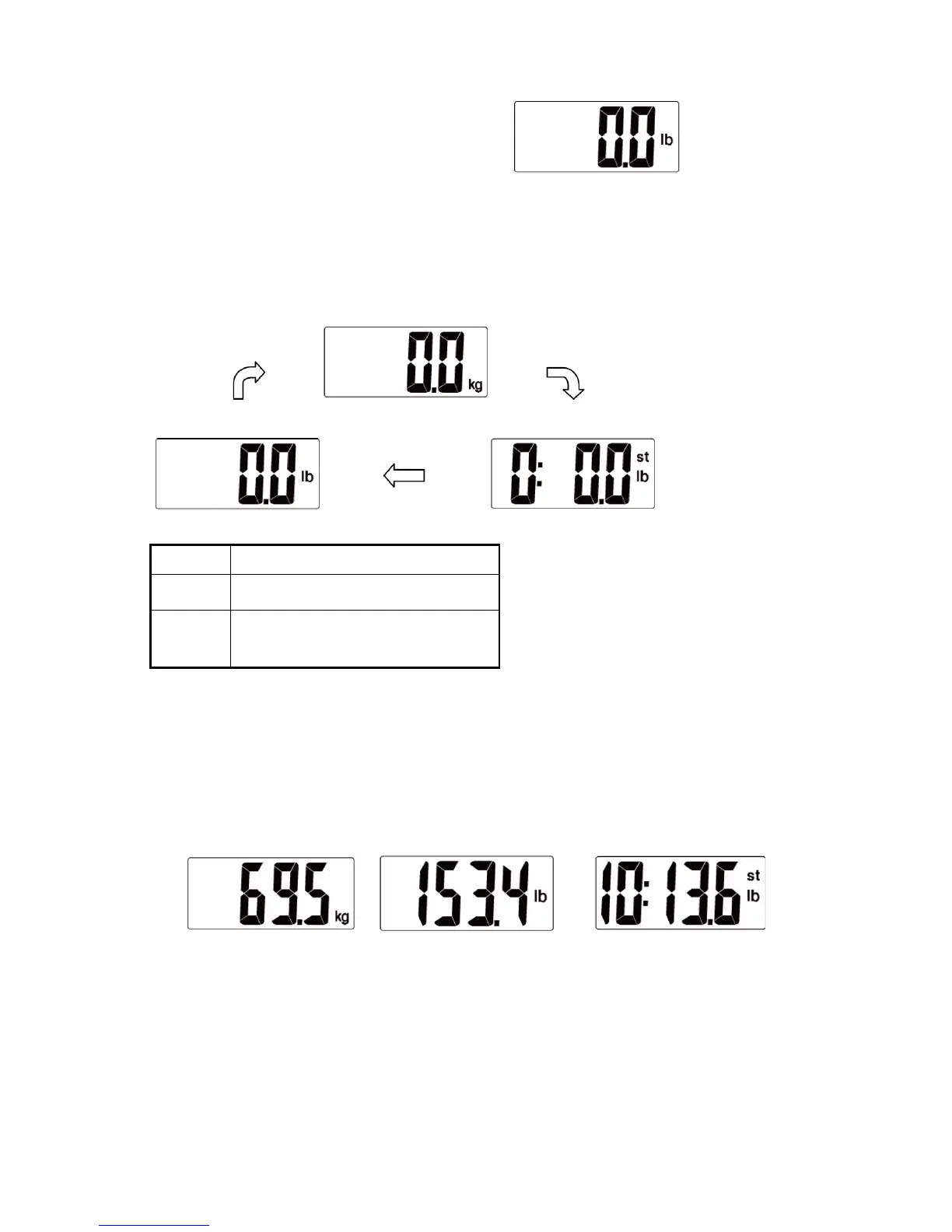
English 5
Then wait until the digits “0.0 LB” are shown on
the LCD.
Select Measurement Unit
With battery correctly installed, press “UNIT” button in the back of the scale to select
measurement unit. The default measurement unit is “kilogram”. You may press “UNIT” button to
choose among kilogram, stone and pound.
Measure in Kilogram / Centimeter
lb
Measure in Pound / Foot
st
Measure in Stone / Foot
Start Measuring
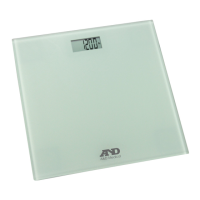
Place the scale flatly on a hard surface.
Step onto the platform and stand still until the numeral on the LCD stops blinking.
The measuring result is displayed for about 10 seconds.
Then the scale powers off automatically.


 To Next Page