1110
EEPROM Test
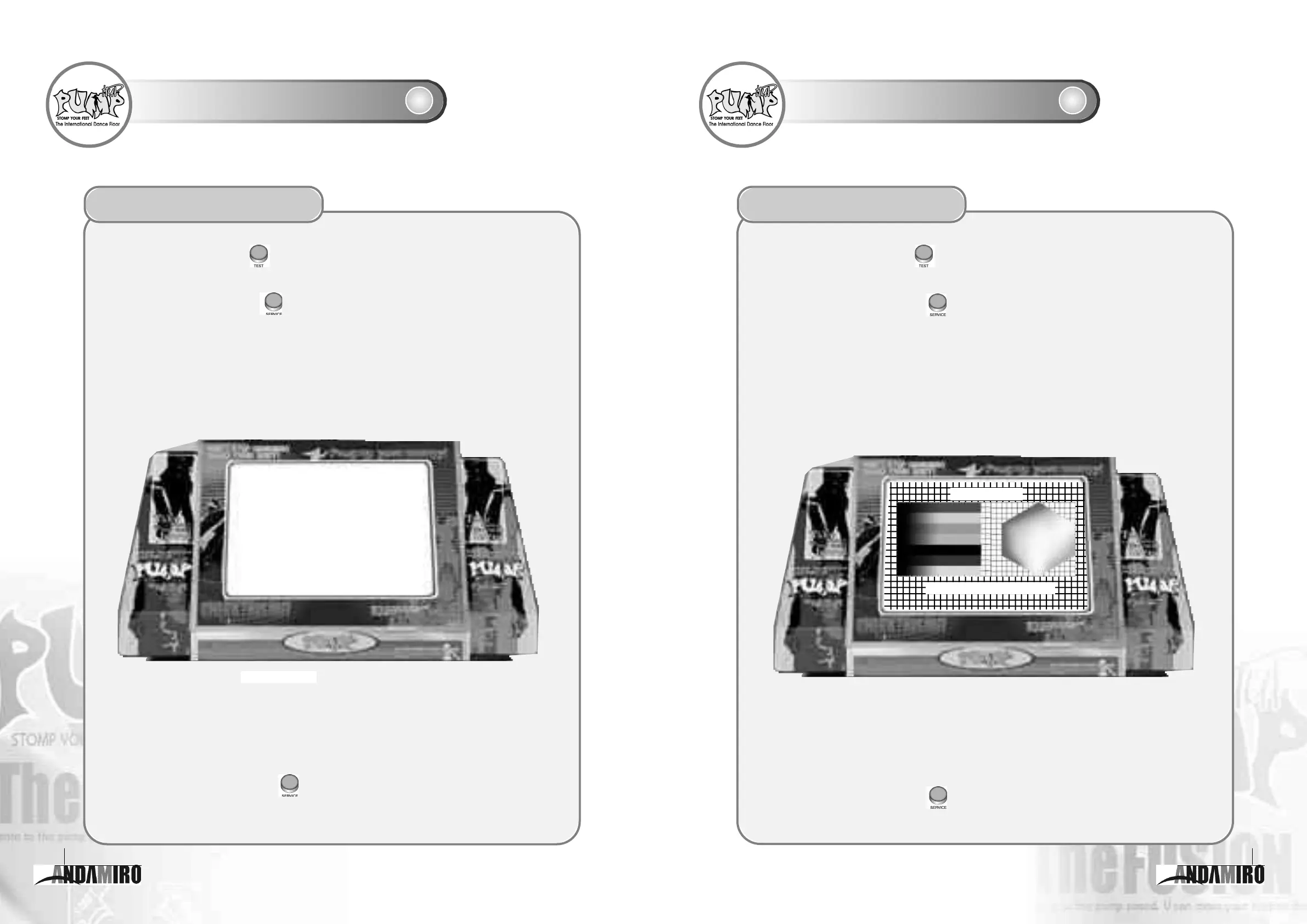
The EEPROM Test let you test the backup area (memory space).
1
Press the "Test" button ( ) on the board to move the cursor to EEPROM TEST in the Game
Setting mode.
2
Press the "Service" button ( )and the EEPROM TEST items will appear on the screen.
3
Press the "Service" button ( ) again to exit EEPROM TEST.
When the letters and numbers for WRITE are identical with ones for READ, the result message "Success"
will appear. But when the letters and numbers for WRITE are different from ones for READ, the result
message "Fail" will appear.
Selecting the EEPROM Test
WRITE
••••••
ABCDEFGHIJKLMNOPQRSTUVWXYZ123456789
READ
••••••
ABCDEFGHIJKLMNOPQRSTUVWXYZ123456789
RESULT
••••••
SUCCESS
EXIT - SERVICE BUTTON
※ If nothing normal happens, contact your service center for inspection or repair.
EEPROM TEST
Screen Test
The Screen Test lets you test whether monitor operates normally.
1
Press the "Test" button ( ) on the board to move the cursor to SCREEN TEST
in the Game Setting mode.
2
Press the "Service" button ( ) and the pattern as shown on the right will appear on the
screen.
3
Press the "Service" button ( ) again to exit from SCREEN TEST.
Check whether the color and linearity of latticed pattern are normal.
Selecting the Screen Test
※ If nothing normal happens, contact your service center for inspection or repair.
EXIT - SERVICE BUTTON
SCREEN TEST



 To Next Page