10
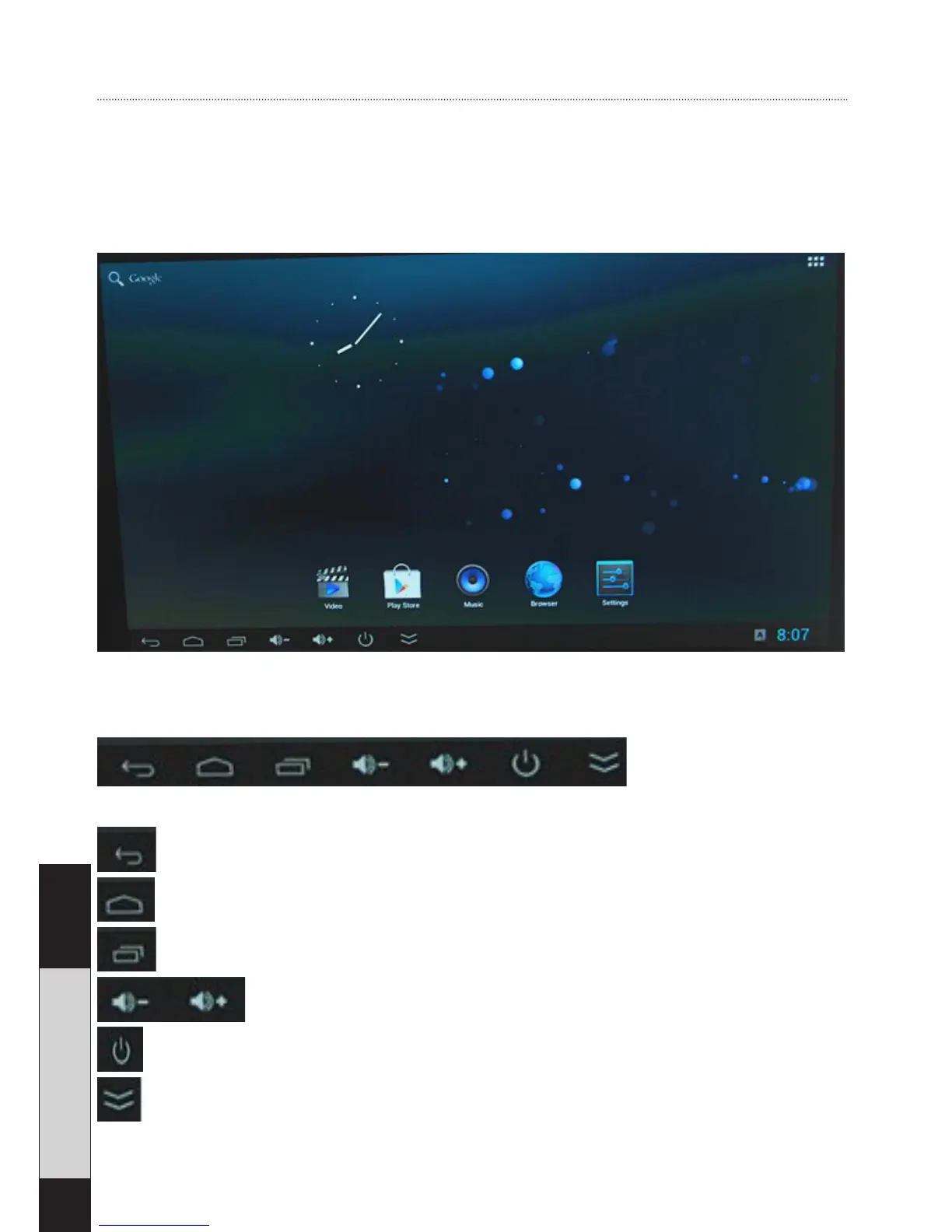
Android User Interface
When the Android Stick is connected to a monitor via HDMI,
and to a power supply as well as a USB device for control,
you are ready to use the Android Stick.
Status bar
Return button
Home button - return back to the main menu
See applications that are currently running
Decrease or increase volume
Turn OFF the Android stick
Hide the status bar


 To Next Page