14
Æ Android User Interface
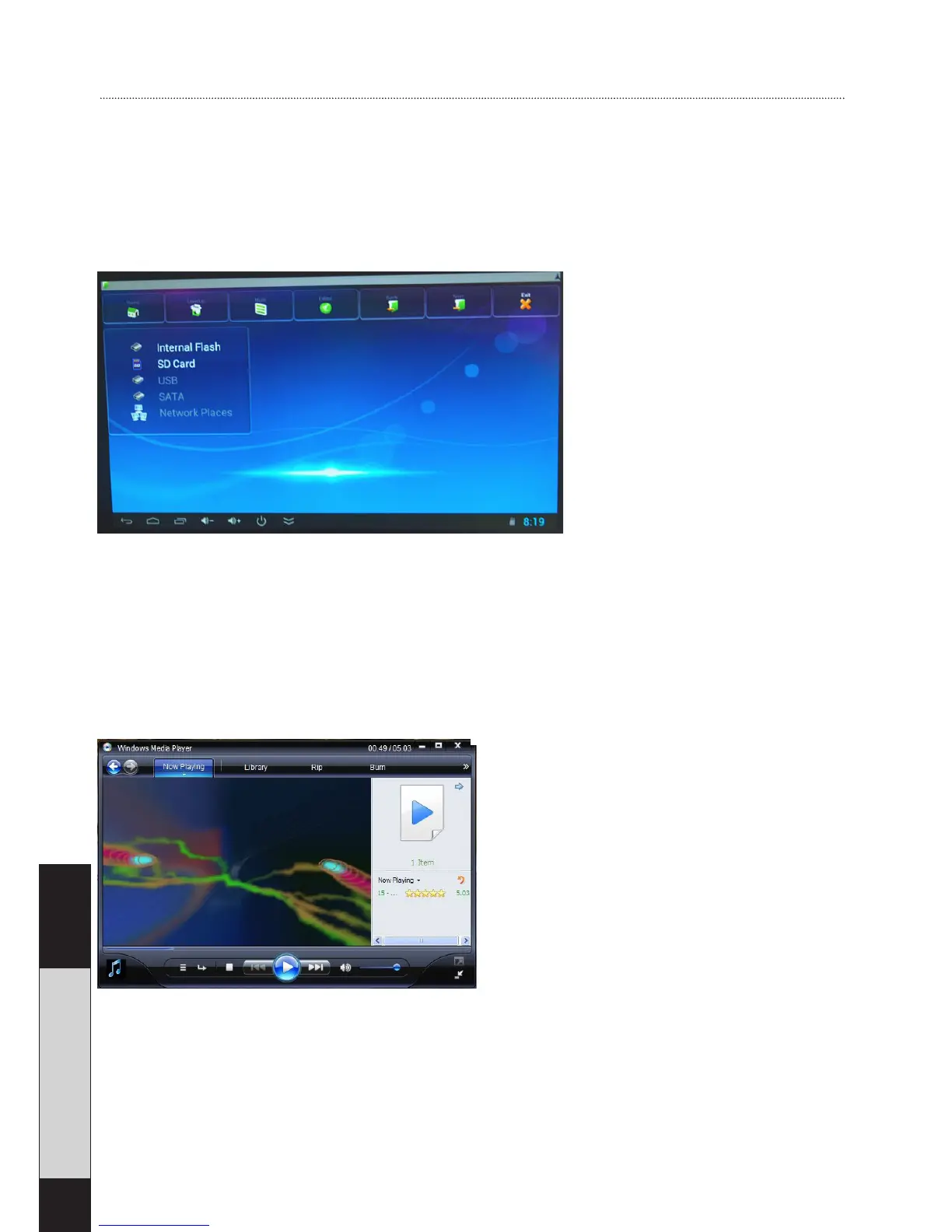
File Explorer
With the File Explorer you can browse any multimedia files,
such as music, video and photos, which are stored on a USB
memory stick or memory card which is connected to the unit.
E-home Media Center
Ensure that that all the computers or media devices use the
same router as the Android Smart-TV-stick. Open windows
media player (the screenshot is from Windows 7, for refer-
ence).
Click “share your music, picture and video files.” You should
be able to find the PC on the Android Smart-TV-stick. Click
media player. If your PC is sharing, then you can find and play
the files through E-home Media Center.


 To Next Page