8
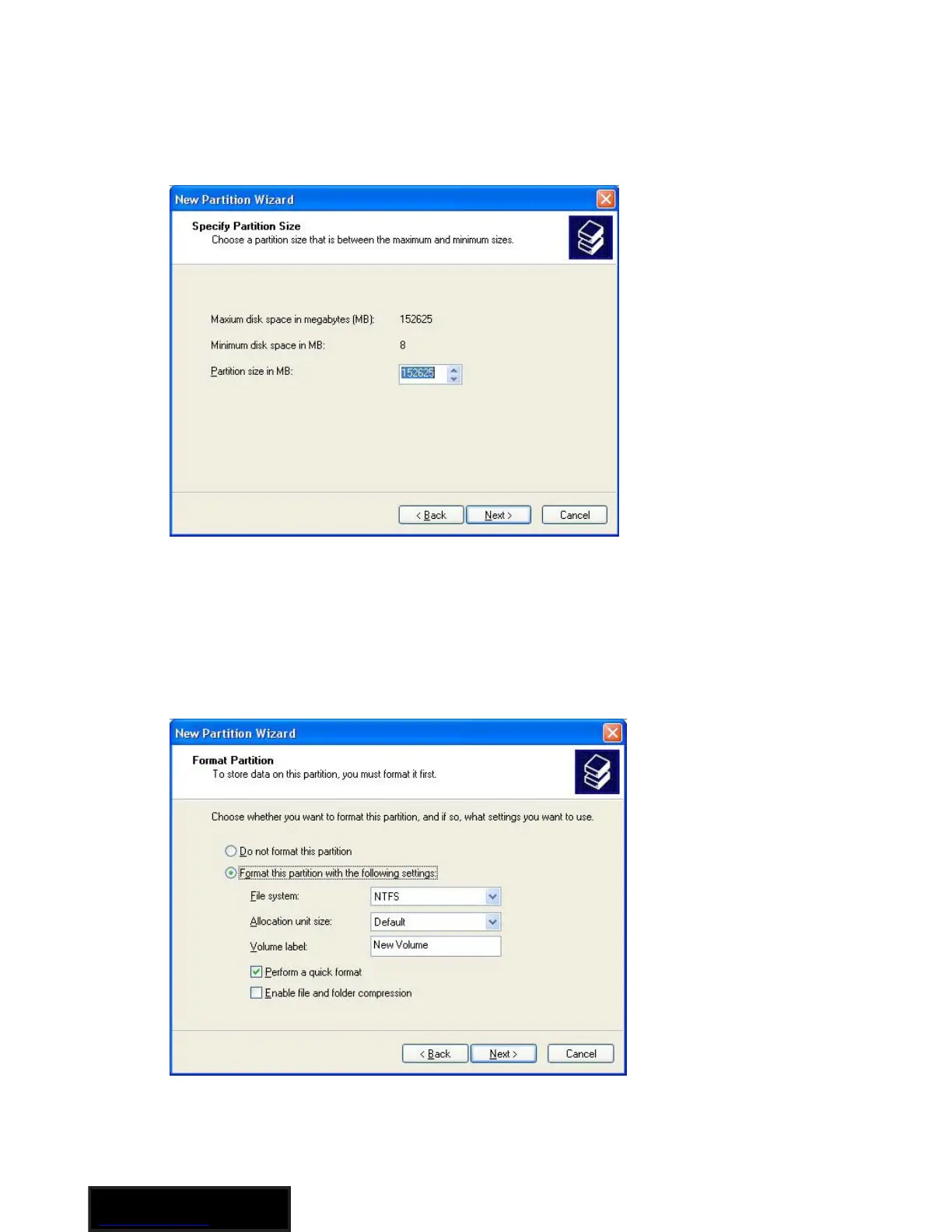
5. Specify the size of the partition you wish to create. You must
select a partition size that is between the maximum and minimum
sizes (typically the maximum disk space available). Once you
have done so, click Next to continue.
6. Select Format this partition with the following settings. Using the
drop down buttons, select the file system, allocation unit size, and
volume label you wish to use. Select Perform a Quick Format and
click Next to continue.



 To Next Page