9
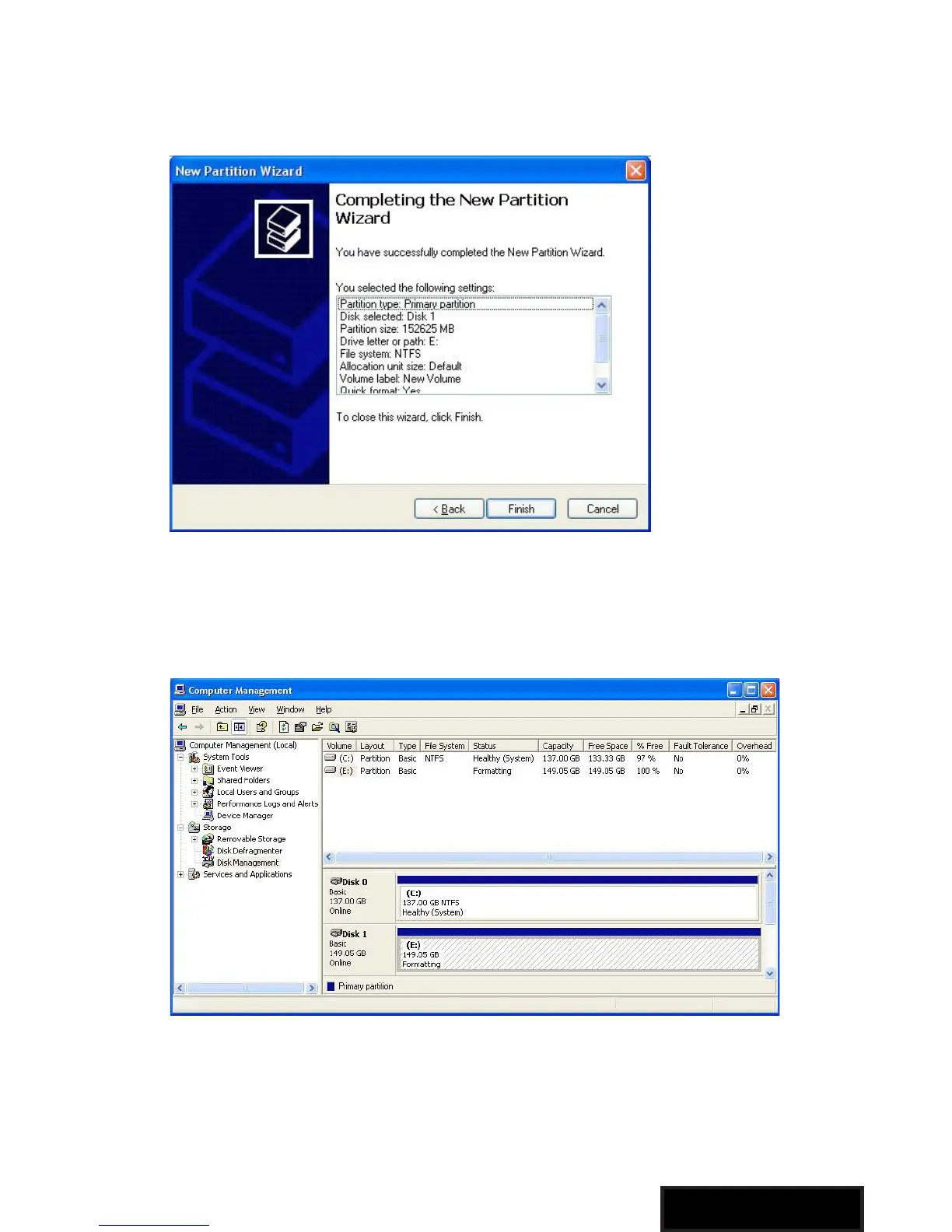
7. A notification window will appear indicating that you have
successfully completed the New Partition Wizard. Click Finish to
commence the formatting of the drive.
8. The status of the drive, as shown in the Computer Management
window, will be updated to reflect the selections you have made.
Please wait while the drive is being formatted.



 To Next Page