4
Introduction
WSN 2.0 allows you to connect your laptop or desktop to any
Wireless-N networks in your home or office. The Wireless-N
(802.11n) USB 2.0 Adapter is great for those who want to upgrade
older computers to be able to access the internet over a Wireless-N
network.
System Requirements
Notebook or desktop PC with Pentium 1 GHz-compatible or higher
processor.
´ Windows XP/Vista/7/8, MAC OS, Linux
´ Available Hi-Speed USB 2.0 port
Installation
IMPORTANT: For proper operation,
do not connect WSN 2.0 to your
computer before you install the
software. If you do, wait for the Found
New Hardware screen to display
and click “Cancel”; otherwise, the
installation process will likely be
adversely affected.
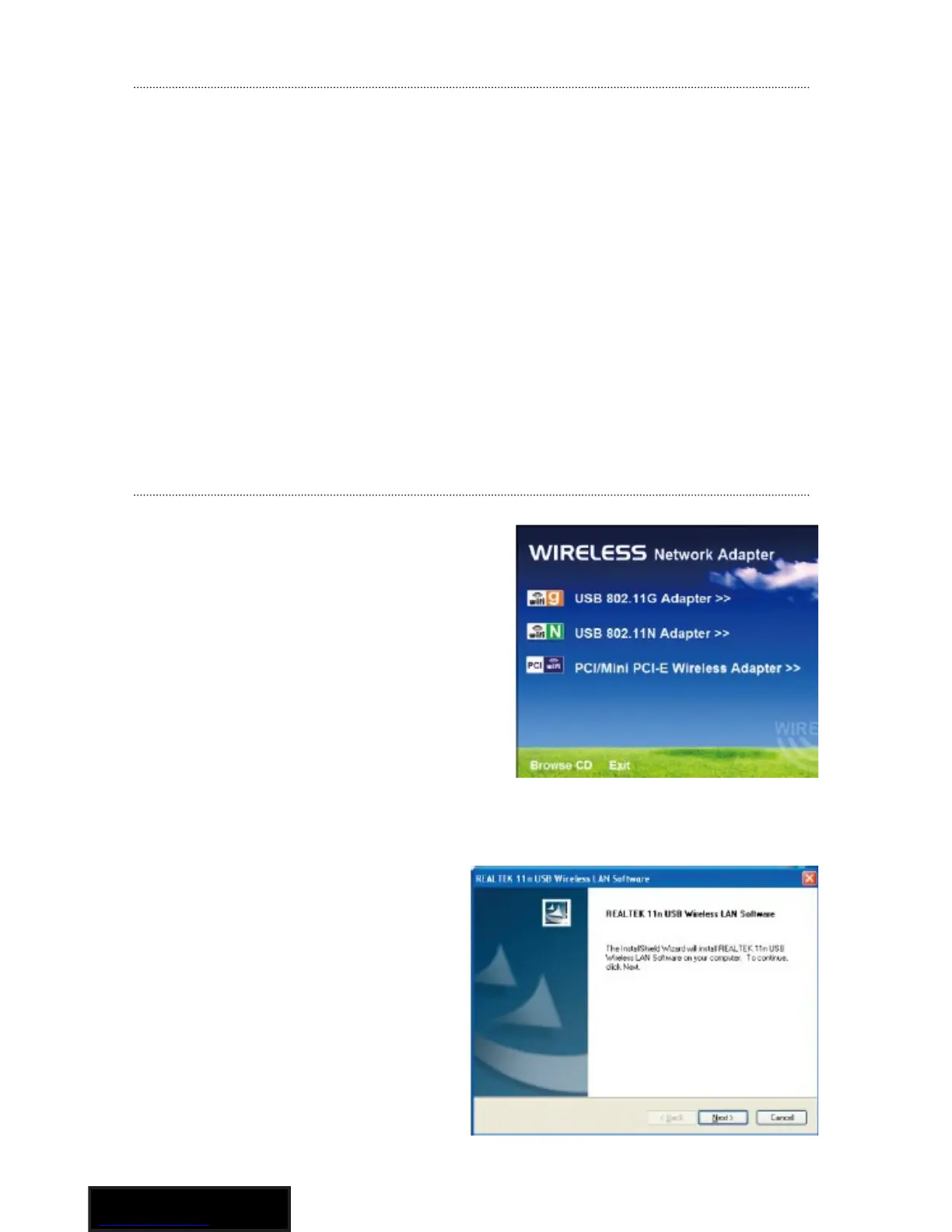
Insert the included setup CD in
the CD-ROM Drive and start the
Setup.exe program.
To start the installation, please
click on the “USB Wireless
802.11N Adapter”.
Wait for the installer to run. Click
“Next” to continue with the
installation.



 To Next Page