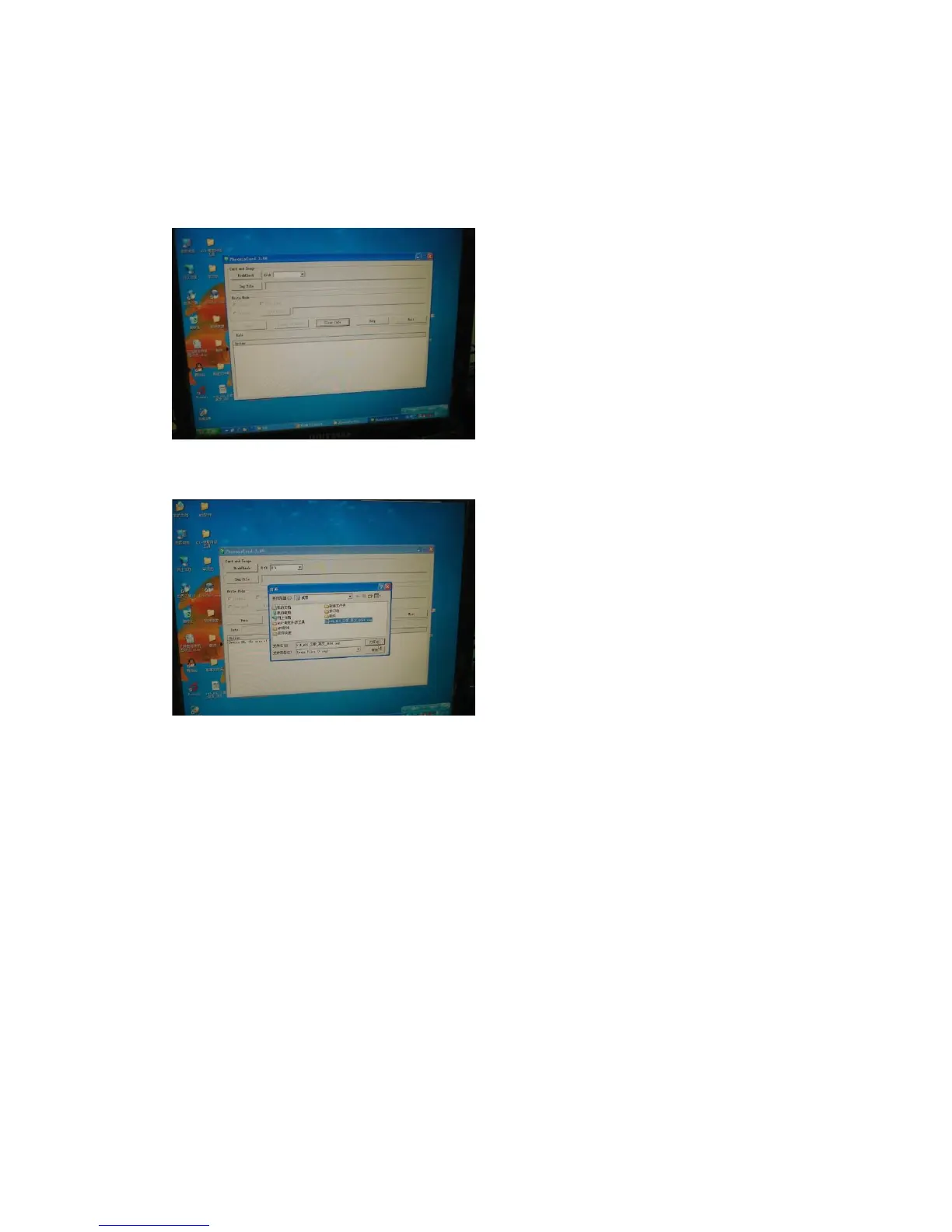
How to update the Firmware
Updater:
1. Copy the update tool file (phonenixCardv306-03-02) compress to your PC.
2. Then Use the SD card connect to your PC.
3. Please select the file you want to upgrade in the interface, and then run.
4. Runs successfully, the SD card to connect to the player, and then plug in the power.
Then the LED will remain flashing, this process takes 3-5 minutes, the lights went out on
to a successful upgrade. And then restart.


 To Next Page