EasyManua.ls Logo

Android 4.0 - User Manual

Android 4.0
17 pages
Print Icon
To Next Page IconTo Next Page
Loading...
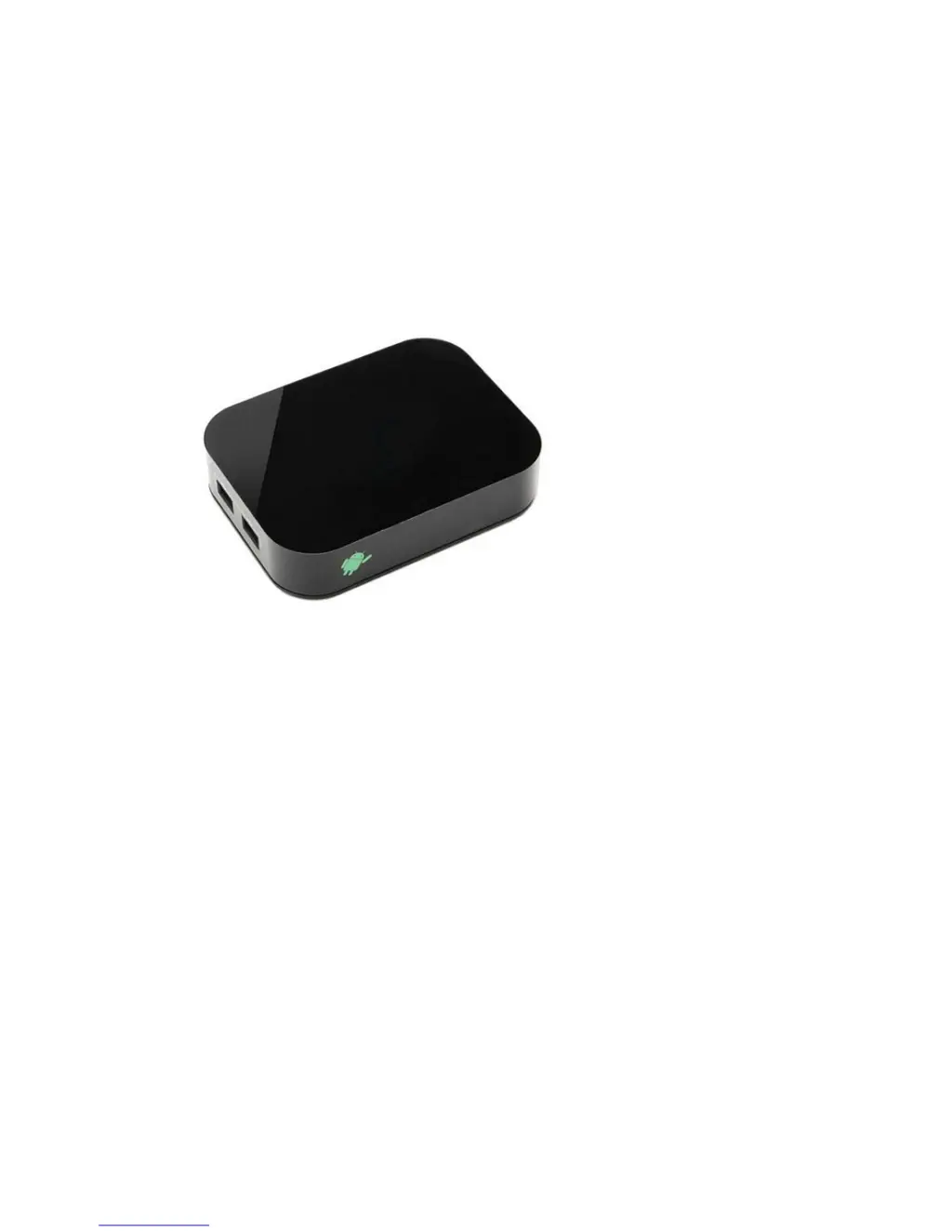
Android4.0 Media Player
User Manual
Before using this product, please read the manual carefully:
1, Suggest using 4 M or above the network connection, in order to
guarantee that the network video fluent play;
2, Suggestions to browse the network, playing games and use a variety of
applications, the use of the wireless mouse or flying squirrels, make the
operation more convenient and smooth.

Questions and Answers

  • M
    Melissa RhodesAug 14, 2025
    What to do if the remote control does not work with my Android 4.0 Media Player?
    • J
      Jacqueline JacksonAug 14, 2025
      If the Android Media Player remote control isn't working, ensure you're aiming it directly at the sensor on the front of the box and are close enough. Try replacing the batteries in the remote.
  • O
    ograhamAug 18, 2025
    Why is there no picture on my Android 4.0 Media Player?
    • C
      Christopher SuarezAug 18, 2025
      If your Android Media Player displays no picture, try these steps: Re-connect using the HDMI or AV cable. Also, re-connect the power adapter. Make sure the output mode for both your TV and media box are the same, and ensure your TV is switched on.
  • C
    Claire NguyenAug 21, 2025
    How to fix no sound during movies display on Android 4.0 Media Player?
    • A
      Angela CarterAug 21, 2025
      If you're experiencing no sound during movie playback on your Android Media Player, the audio codec might not be supported. Try changing to a supported audio format in the playing menu. Also, check the volume, ensure the cable is well-connected, and verify that the output mode for your TV and media box are the same.
  • C
    Cody SheltonAug 25, 2025
    Why is there no sound or distorted sound on my Android Media Player?
    • A
      Amy WrightAug 25, 2025
      If your Android Media Player has no sound or the sound is distorted, try these steps: Adjust the volume. Check that the cable connecting to your TV and media player is secure. Make sure the speakers are correctly connected.
  • C
    Craig FloresAug 28, 2025
    What to do if there is no audio or digital output from my Android 4.0?
    • M
      Michael HubbardAug 28, 2025
      If your Android Media Player is not providing audio or digital output, make sure the cable is securely connected. Verify that your amplifier is set up correctly. Re-connect the power adapter and ensure that the output mode for your TV and media box are the same.
  • D
    Darrell ConwayAug 31, 2025
    How to troubleshoot no sound with HDMI connection on Android 4.0?
    • M
      Misty SheppardAug 31, 2025
      If there is no sound with HDMI connection on your Android Media Player, check if the TV output mode matches the media box settings. Review your TV system setup and check the volume level.
  • D
    Deborah PageSep 4, 2025
    Why does my Android Media Player not respond to some operating commands during display?
    • L
      Lisa HudsonSep 4, 2025
      If your Android Media Player isn't responding to some operating commands during display, refer to the User manual. If the system has halted, re-insert the power adapter to restart it.
  • D
    Daniel StaffordSep 7, 2025
    How to fix an Android 4.0 Media Player with no power?
    • S
      Sharon BatesSep 7, 2025
      If your Android Media Player isn't powering on, check if the power adapter is properly connected and if it is damaged.
  • S
    Sergio WangSep 10, 2025
    What to do if my Android 4.0 Media Player cannot read the USB flash drive or SD/MMC card?
    • W
      wtrevinoSep 12, 2025
      If the contents of your USB flash drive or SD/MMC card cannot be read by the Android Media Player, the USB flash drive format might not be compatible. If one of the USB drives cannot be read, please turn off the box and restart it.

Summary

Products and Accessories

Included Accessories

Lists included items like Media Player, Remote Control, Power adapter, AV Cable.

Device Housing Explanation

Describes the front and back panels of the device, detailing various ports.

Specifications Overview

Installation and Initial Use

Manual Guide to Main Interface

Explains how to navigate the main interface using Launcher or TVdLauncher.

Settings Overview

Wireless and Network Configuration

Covers Wi-Fi settings and network configuration options.

Security and System Settings

Security Configuration

Device security options including encryption and passwords.

Backup and Reset Procedures

System Settings and Options

File Browser Usage

Application Installation and Deletion

Program Deletion

Firmware Update Guide

Troubleshooting Common Issues

Android 4.0 Specifications

General IconGeneral
Video PlaybackYes
Audio PlaybackYes
Streaming ProtocolsHTTP Live Streaming (HLS), RTSP
USB SupportUSB 2.0
Operating SystemAndroid 4.0 (Ice Cream Sandwich)
Kernel VersionLinux 3.0.1
Supported CodecsH.264 AVC, MPEG-4, H.263
Bluetooth ProfilesA2DP, AVRCP, HFP, HSP
Media FormatsMP4, 3GP, MP3, AAC, OGG, MIDI

Videos

How to Hard Reset Samsung Galaxy Tab 2 10.1 Android 4.0 Remove Password