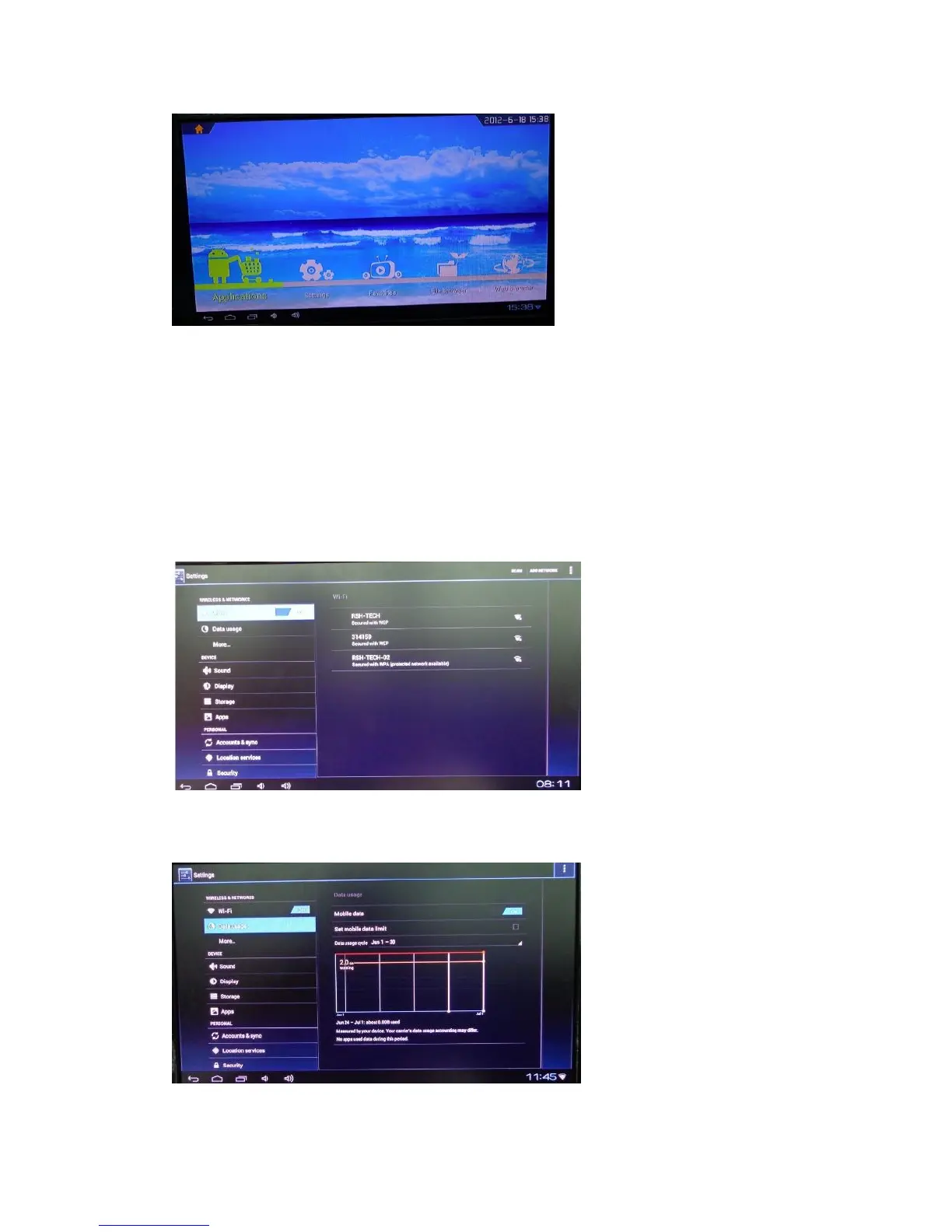
Move to “Applications” icon, press Ok to enter in.
You can see icons refereeing to different functions on the picture
Settings
Move to “settings” icon, press “ok “to system setting, you will see the menu on the
following picture.
WIRELESS &Networks
1. Wi-Fi setting and Network Setting
For external WIFI dongle it only supports the model as Realtek 8188.
2. Data Usage
3. More information about network setting (Airplane mode/Ethernet/PPPOE


 To Next Page