Long according to move the mouse drag and
drop function
Text selection/copy/Paste menu
Application specific menu and function
Note: Wireless mouse and keyboard use the effective range of 10 meters, mouse need not when please
put the switches OFF position.
4. Insrall and Use
This chapter presents the user first use of this box need of cable connection and boot setting of
operation.
Attachment installed
Before use, please confirm your TV set can provide video input signal types;
Manual Guide
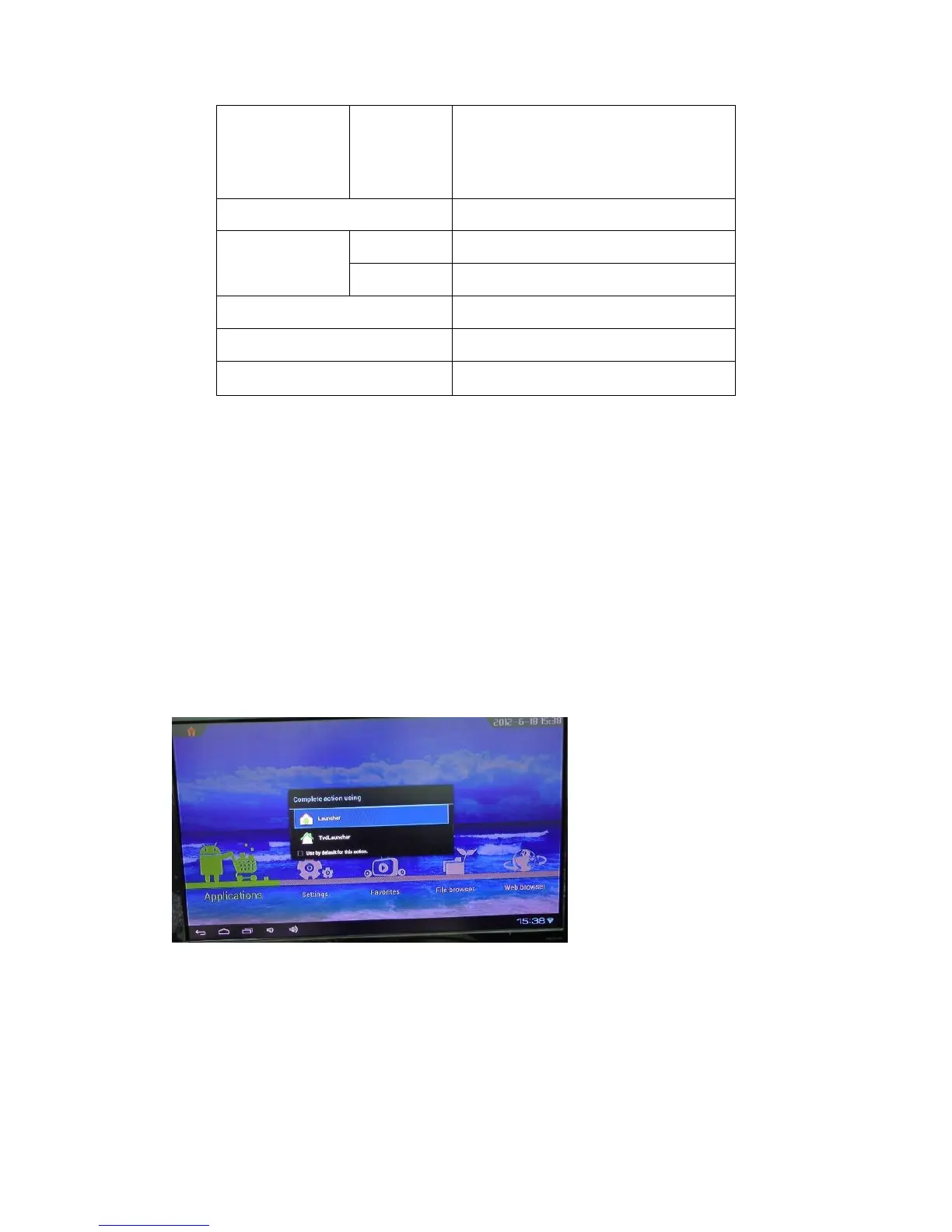
There are two ways (Launcher /TVdLauncher) to enter the main interface;
Launcher
When you select “Launcher” you will enter the interface.


 To Next Page