EN
17
T
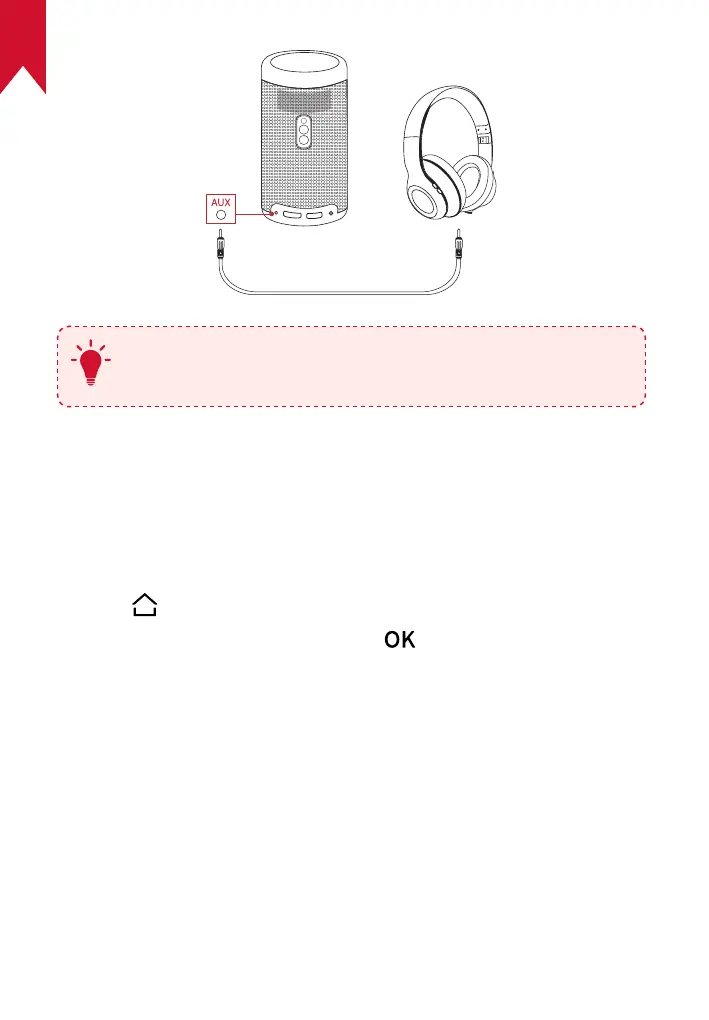
Before connecting headphones and putting them on, turn
down the volume to avoid hurting your ears.
4.
Install Apps
Once connected to a wireless network, you can access online services,
enjoy movies, music and pictures, and browse online. Aside from the
pre-installed apps, you can also install additional apps either from the
Nebula App Store or via a USB flash drive.
①
Press to access the home menu.
②
Select an Internet service, and press .



 To Next Page