EN
12
Settings
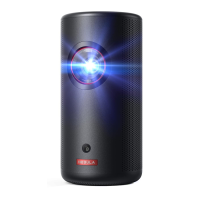
Go through the setup process when you power on Nebula Capsule Max
for the rst time.
1.
Network
This projector can be connected to the Internet via a wireless (Wi-Fi)
connection.
①
On the home menu, select [Network] and press .
②
Follow the on-screen instructions to complete the network
connection.
2.
Bluetooth
Bluetooth Speaker Mode
You can use this projector as a standalone Bluetooth speaker.
①
Press to switch to Bluetooth speaker mode.
②
Enable Bluetooth on your smartphone and select [Nebula-XXXXXX]
as the device to be connected.
Projector Mode
You can connect a Bluetooth speaker or pair of headphones to Nebula
Capsule Max while in projector mode.
①
Press to access the home menu, select [Settings] > [Bluetooth]
and press .
②
Follow the on-screen instructions to complete the Bluetooth
connection.



 To Next Page