Contents [ hide
1 At a Glance
2 Connecting
3 Bluetooth LED behavior
4 Powering On / Off
4.1 Power LED behavior
5 Button Controls
5.1 Light Bar Behaviors
6 Charging
6.1 Power LED behavior
6.2 Charging an external device
7 Audio Output
8 Specifications
9 Important Safety Information
10 Notice
10.1 Declaration of Conformity
10.2 FCC Statement
10.3 Radiation Exposure Statement
11 Trademark
11.1 Bluetooth
12 * Additional Legal Rights for Consumers
12.1 IC NOTICE TO CANADIAN USERS
12.2 IC RF Statement:
13 Questions about your Manual? Post in the comments!
13.1 Related Manuals:
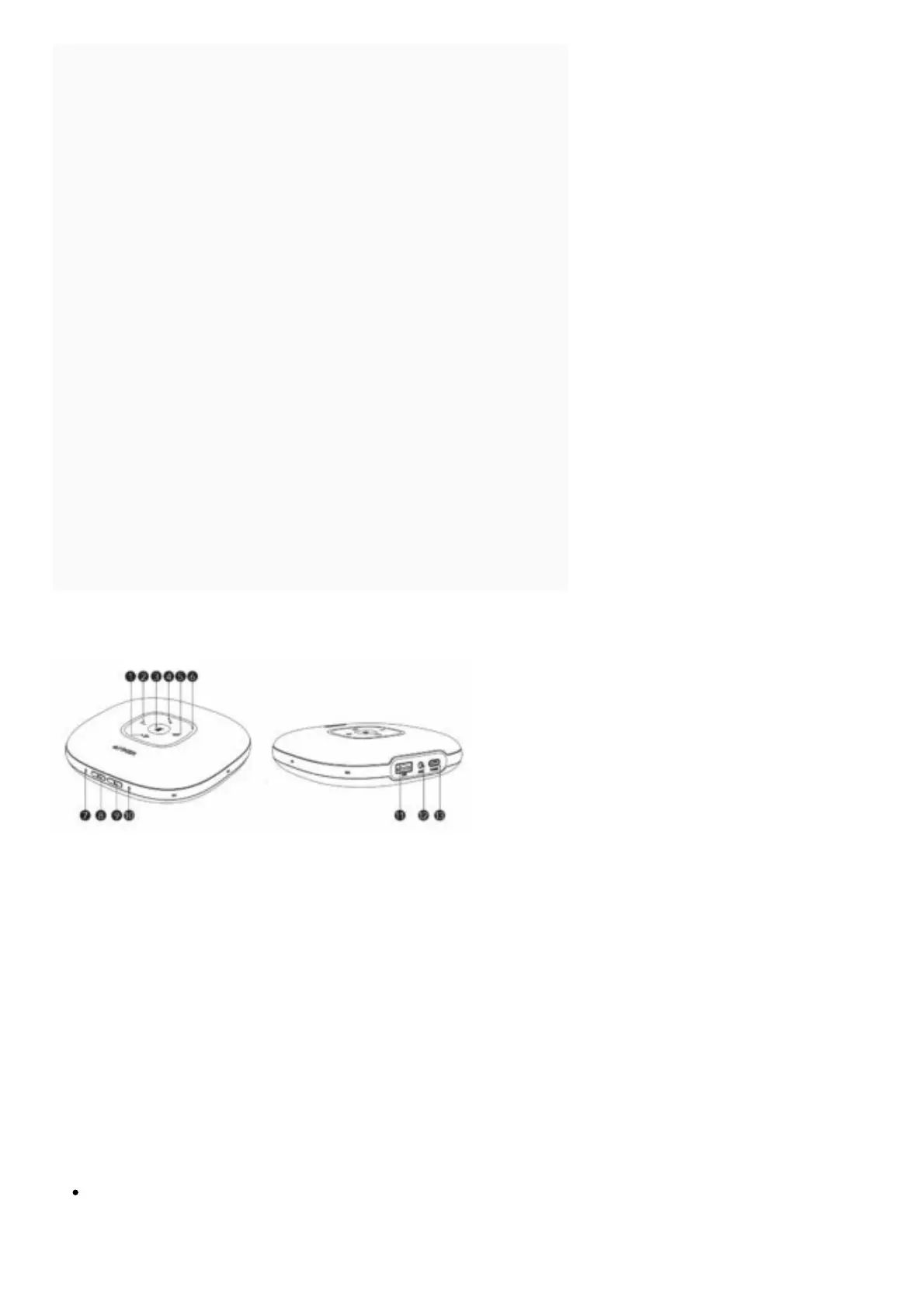
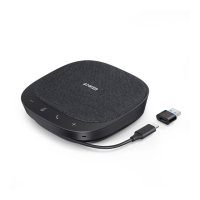
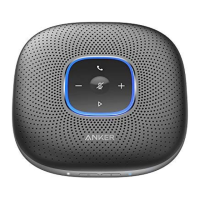
At a Glance
1. Multi-function button
2. Volume down button
3. Mute button
4. Phone call button
5. Volume up button
6. LED light bar
7. Power LED
8. Power button
9. Bluetooth button
10. Bluetooth LED
11. USB port (Type-A) for charge out
12. Audio output port
13. USB power port (Type-C) for charge in
Connecting
Connect to your computer by using a USB cable.


 To Next Page