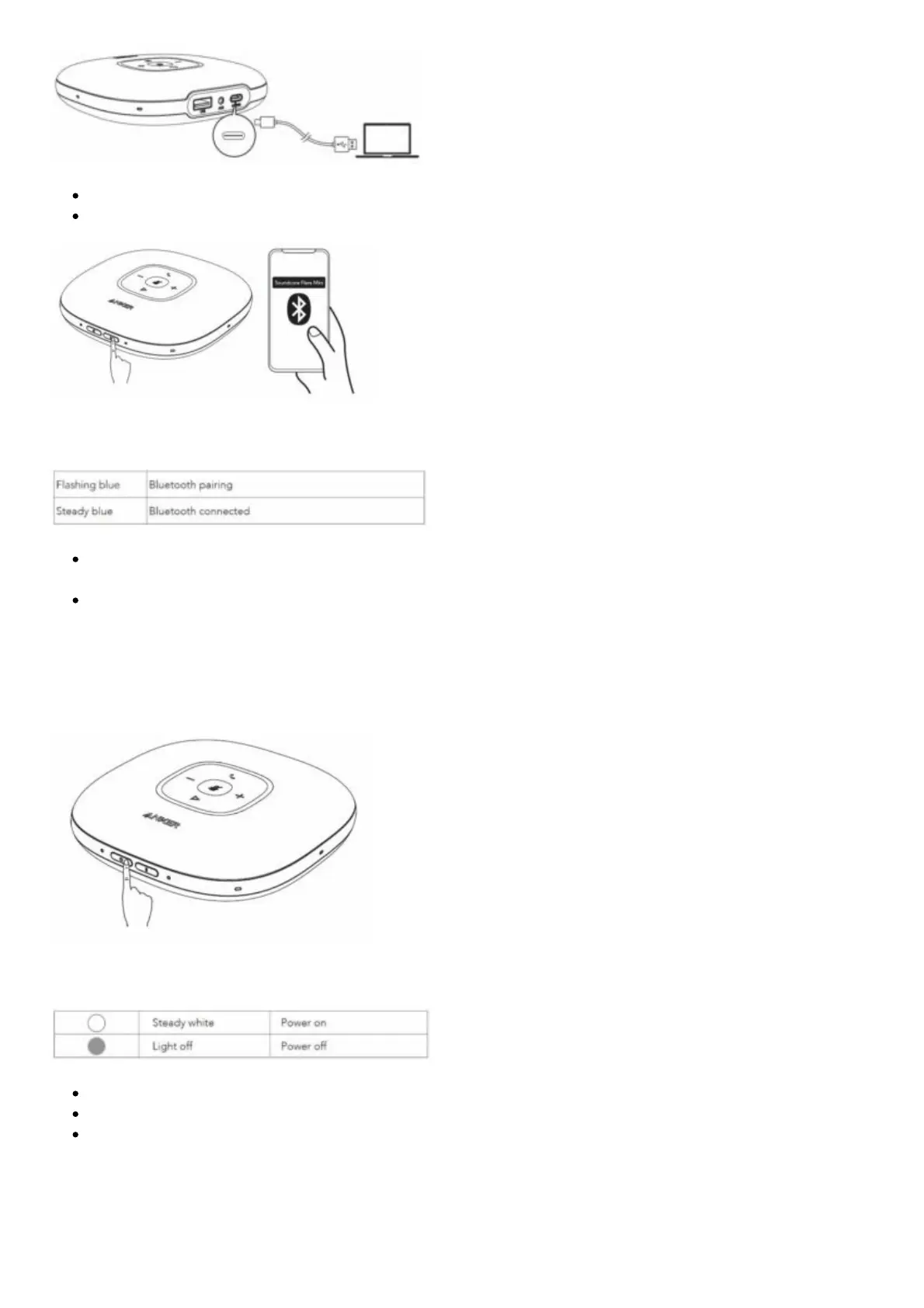
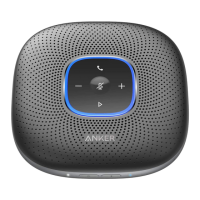
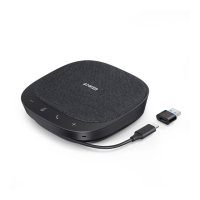
Connect to your computer or mobile device via Bluetooth pairing.
Power on the product for the first time, it will automatically enter Bluetooth pairing mode.
Bluetooth LED behavior
Each time you power on the product, it will automatically connect with the last successfully
connected device if available.
To disconnect Bluetooth, press the Bluetooth button again.
Powering On / Off
Press and hold the power button for 2 seconds to power on. The LED light bar will light on clockwise
and then fade out. To power off, press and hold the power button for 2 seconds.
Power LED behavior
Once connected to your computer, it will automatically power on.
Once connected to power by using a power adaptor (not provided), it will automatically power on.
It will automatically power off after 30 minutes of inactivity or no source.
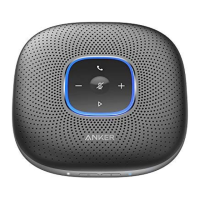
Button Controls


 To Next Page