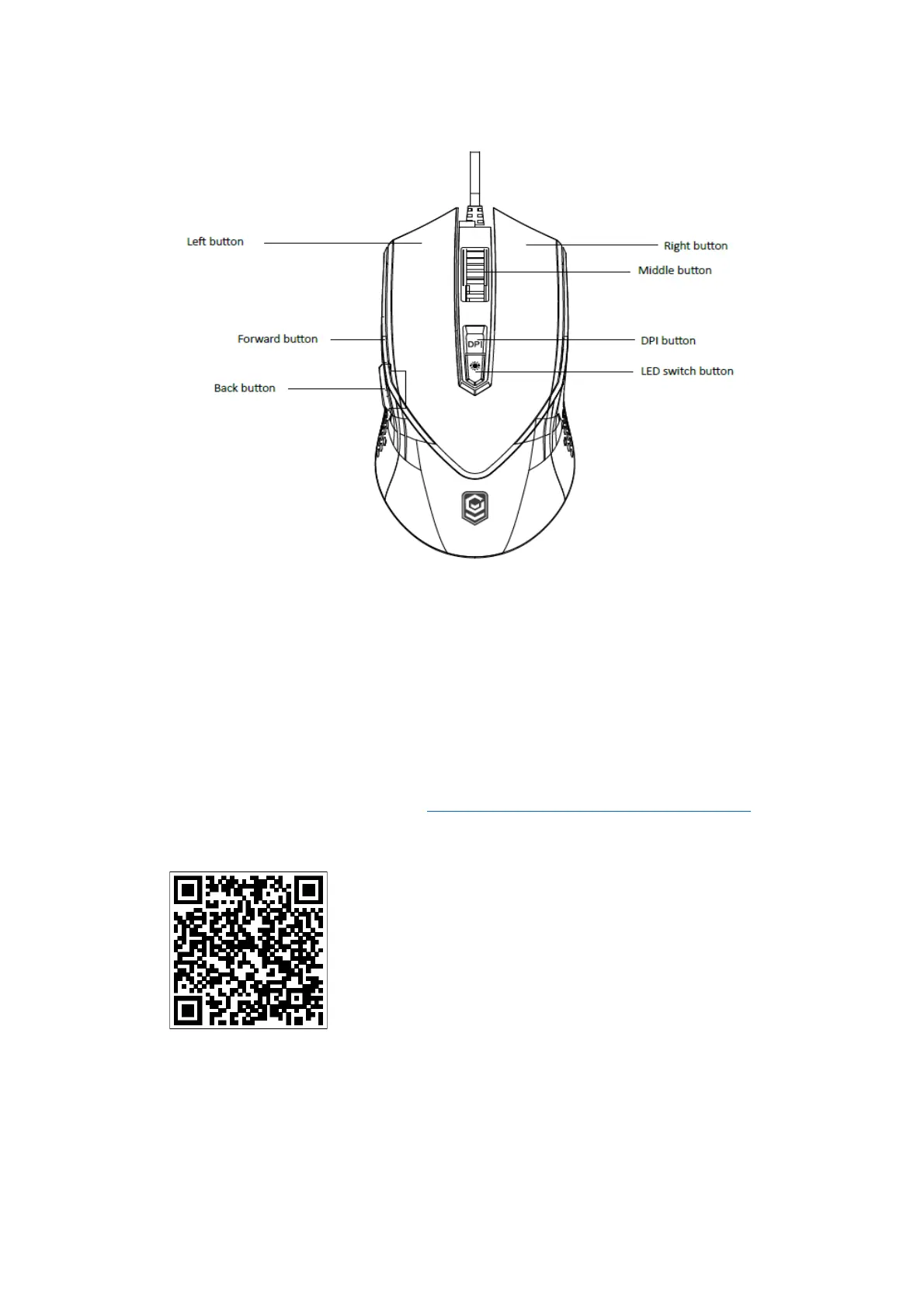
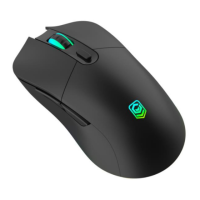
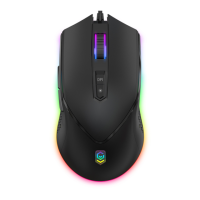
Product Overview:
Connecting the Mouse:
1. Plug the USB cable into a free USB port on the computer.
2. The mouse will connect automatically and can be used immediately.
Features:
*Selectable DPI: 1000-2400-3600-5000-7000-10000DPI
*10 kinds of RGB light effect. The RGB light mode can be adjusted by “LED switch button”.
*supports Windows 7/8/10 or later
*For more functions, please enter “http://www.intraindustry.com/downloads.html” to
download the driver.


 To Next Page