EasyManua.ls Logo

anko 43099771 - Function Key Combinations; LED Mode and Speed Control; First Line Key Function Switching; Keyboard Reset Procedure

anko 43099771
3 pages
Print Icon
To Next Page IconTo Next Page
To Previous Page IconTo Previous Page
Loading...
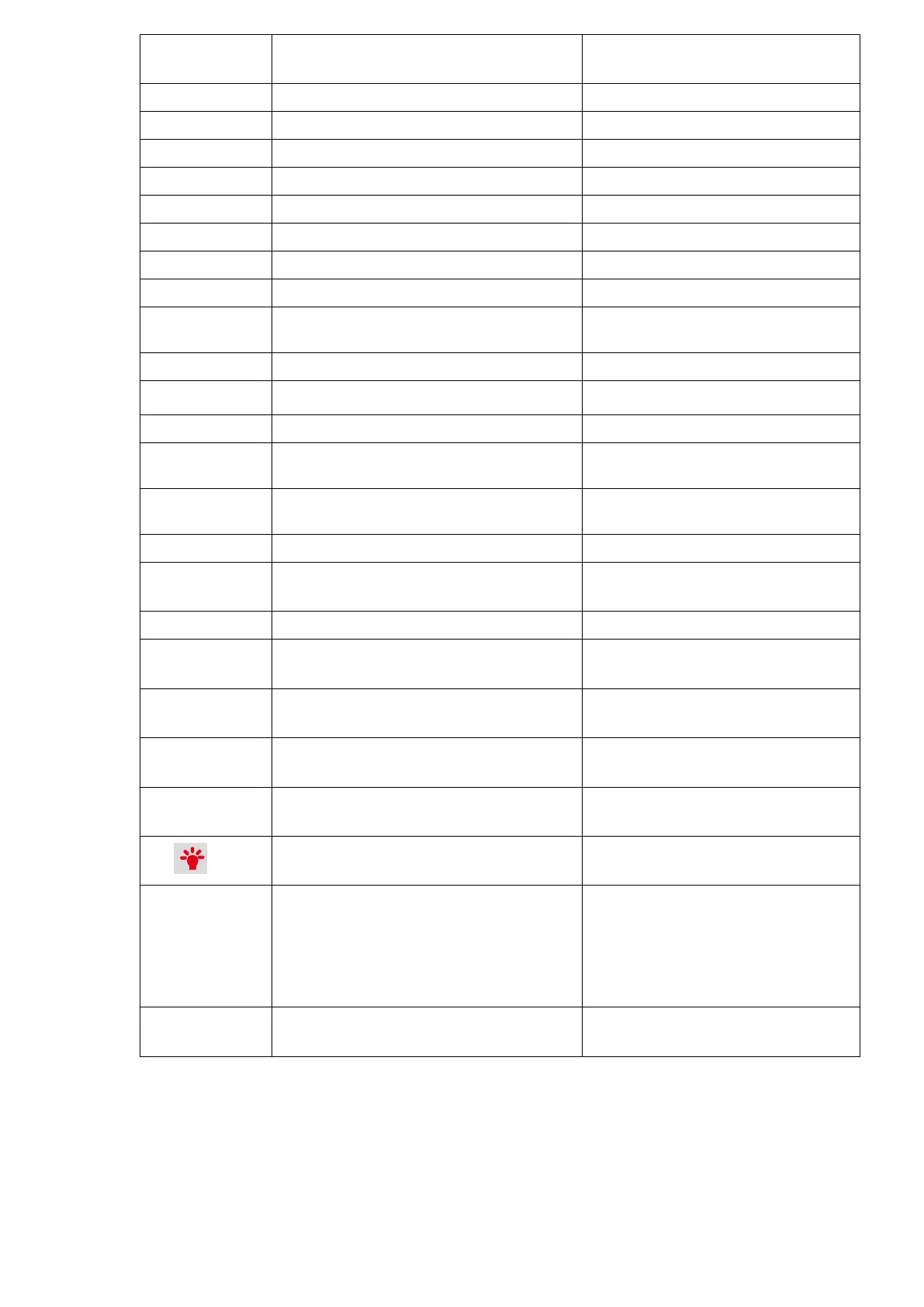
Combination
key
FUNCTION
Remarks
FN+ESC
·
FN+ESC+ Shift
~
FN+1
F1 function
FN+2
F2 function
FN+3
F3 function
FN+4
F4 function
FN+5
F5 function
FN+6
F6 function
FN+7
F7 function
FN+8
F8 function
FN+9
F9 function
FN+10
F10 function
FN+ -
F11 function
FN+ =
F12 function
FN+,<
Page Down
FN+W
Separately press the key of "A S D W" to
switch into the function of ←↓→↑
FN+WIN
lock WIN
FN+}
LED brightness +
Brightness adjust, 3 brightness levels,
default level3
FN+{
LED brightness -
Brightness adjust, 3 brightness levels,
default level3
FN+ ’ ”
LED speed +
LED running speed adjust, 2 different
speeds
FN+ ;:
LED speed -
LED running speed adjust, 2 different
speeds
LED
switch LED mode
in total 12 modes
FN+CTRL(The
left one)
Switch first line key function
Separately press the key of " Y U I H J
K N M ,< " to switch to the function
of "Print Screen /Scroll Lock/ Pause/
Insert /Home/ Page Up/ Delete/ End/
Page Down"
FN+ space key
reset
long press for 3 seconds to reset this
keyboard
How to use:
Plug and Play, USB plug into PC, it can be used.
Care and maintenance
Wipe all parts with a dry soft cloth.

Related product manuals