13
Computer Control (RS232 Operation)
Cable Requirements
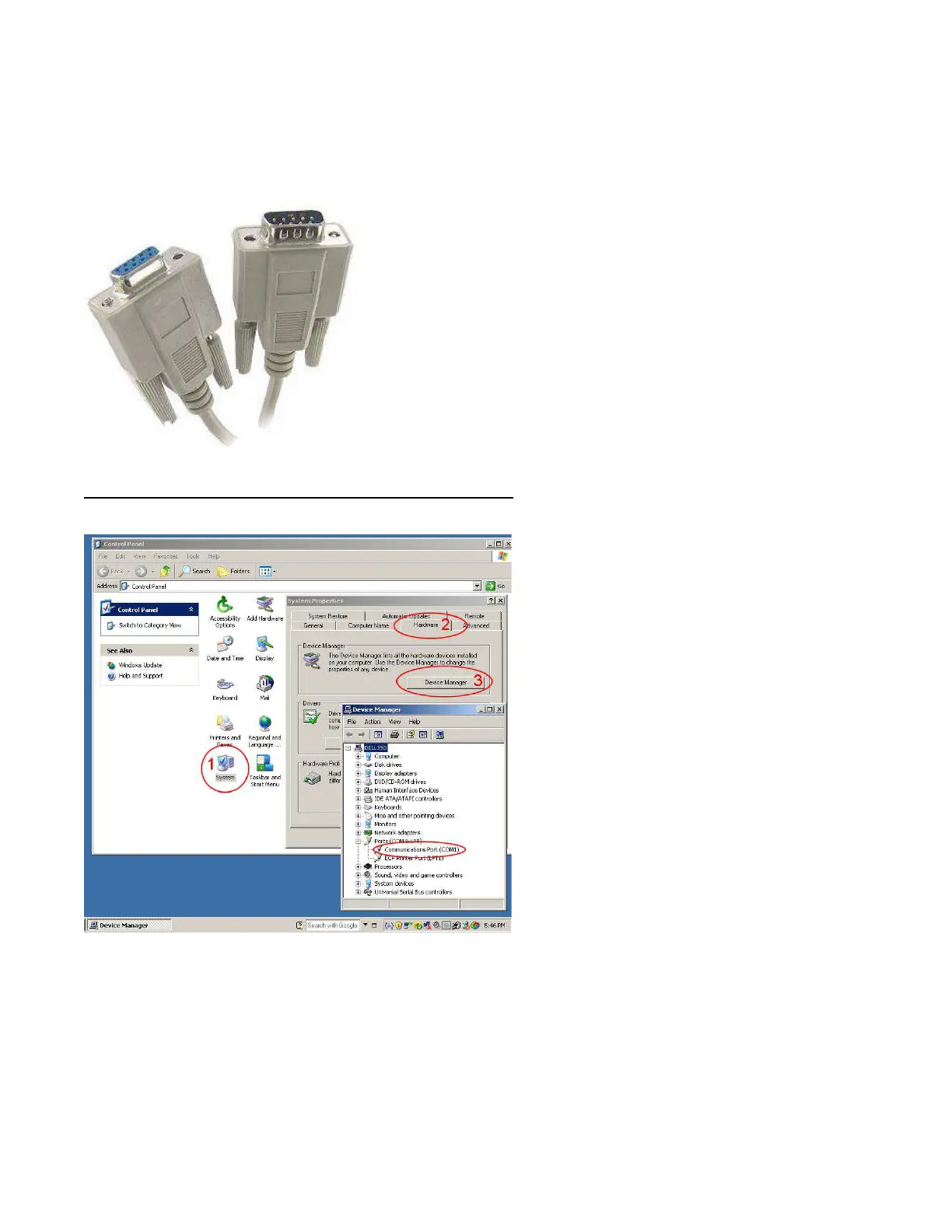
In order to interface to a PC you need the following hardware cable pictured below:
DB9 Serial Cable Male to Female – Strait though configuration. Do not purchase a “Null Modem,” “crossover,” or
“Crossed over” cables.
Before interfacing with a PC, make sure a RS232 port exists on your PC. RS232 ports will be in parentheses and
named “COM1-100” like the one above named COM1
RS232 Port Settings (continued)
Baud Rate - 9600, Data Bits - 8, Parity - none, Stop bits - 1, Flow control – none.



 To Next Page