Using In-Call Options
When a call is in progress, the following options are
available:
NOTE To avoid damaging your hearing, do not hold the phone up to
your ear when the speakerphone is on.
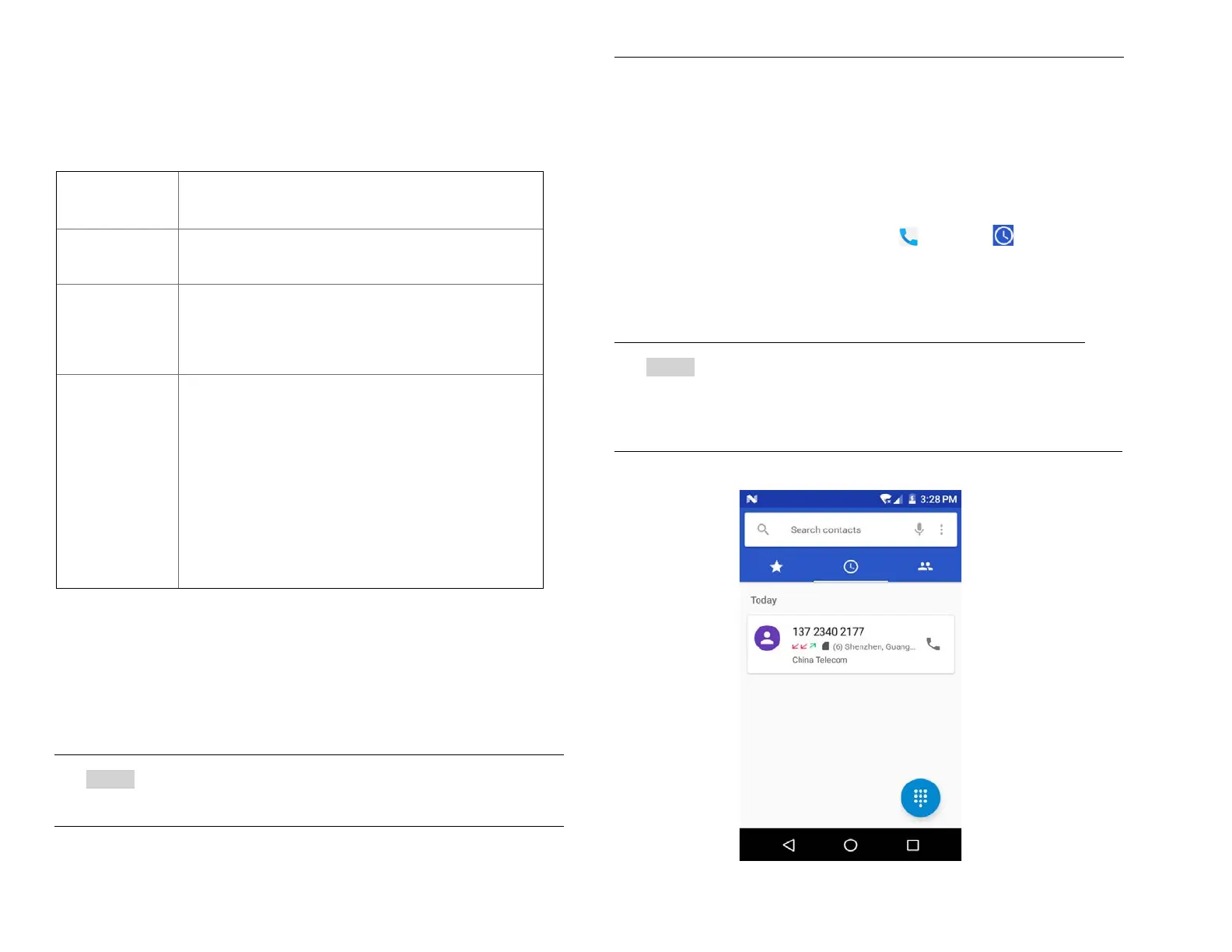
Using Call Log
The phone stores the numbers of all incoming and
outgoing calls in the Call log. The Call log displays the
details of the call including time, date, and duration.
1. Opening the Call log
1. From the Home screen, tap Phone > Call log.
• Calls are listed with the most recent at the top.
Calls of the same phone number are grouped
together. Scroll to view earlier entries in the log.
NOTE You can tap and hold the desired number in the call log
list to select options such as Call, View contact, Edit
number before call, Send a message, Add to contacts,
Call details, Copy number, Block number.
When a Bluetooth device is paired and
connected to your phone, you can conduct all
calls using Bluetooth for hands-free
conversation. When using Bluetooth headset
during a call, the current call screen has a blue
border and the Ongoing Call icon turns blue in
the Status bar.
Tap Bluetooth icon to toggle in-call audio to
and from the Bluetooth accessory.



 To Next Page