Sharing visible contacts
1. From the Home screen, tap Apps > contacts.
2. Tap Option >Import/Export.
3. Tap Share all contacts > Select Bluetooth,
Gmail.
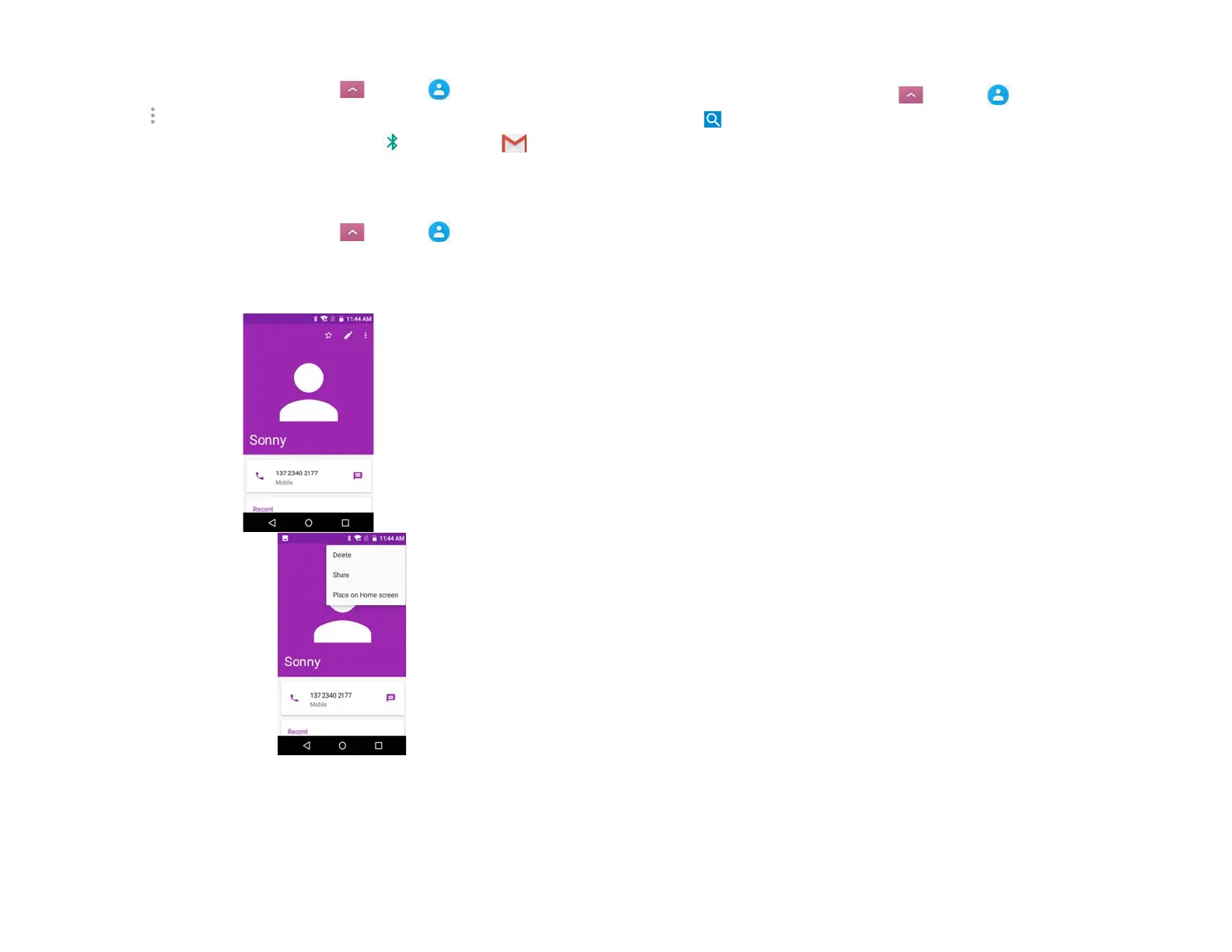
3. Viewing details about a contact
1. From the Home screen, tap Apps > contacts.
2. Tap the contact whose details you want to view.
3. Tap the communication icon to start dialing, texting, or
emailing the contact.
4. Search for a contact
1. From the Home screen, tap Apps > contacts.
2. Tap Search.
3. Start entering the contact’s name.
As you type, contacts with matching names appear
below the search box.
4. Tap the matching contact in the list to open



 To Next Page