28
1 Introduction
1.1 Product description
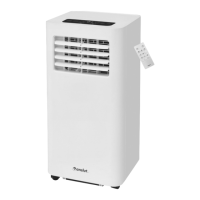
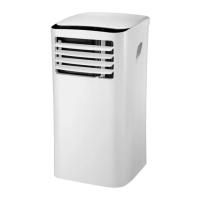
The product is a mobile air conditioner. The product is used
to cool and dehumidify the indoor air.
This is a SMART product that can be connected to an
existing WiFi and be controlled with the app Smart Life, the
remote control or with a voice assistant. You can control all
SMART products in the app and use functions such as timer
control, scheduling and automatized events. The Smart Life
app is compatible with Google Assistant, Amazon Alexa etc.
1.2 System requirements
● WiFi network (2.4GHz).
● WiFi router.
● iPhone, iPad (IOS 11.0 or higher) or Android (5.0 or
higher).
Note! The product does not require a separate hub/router.
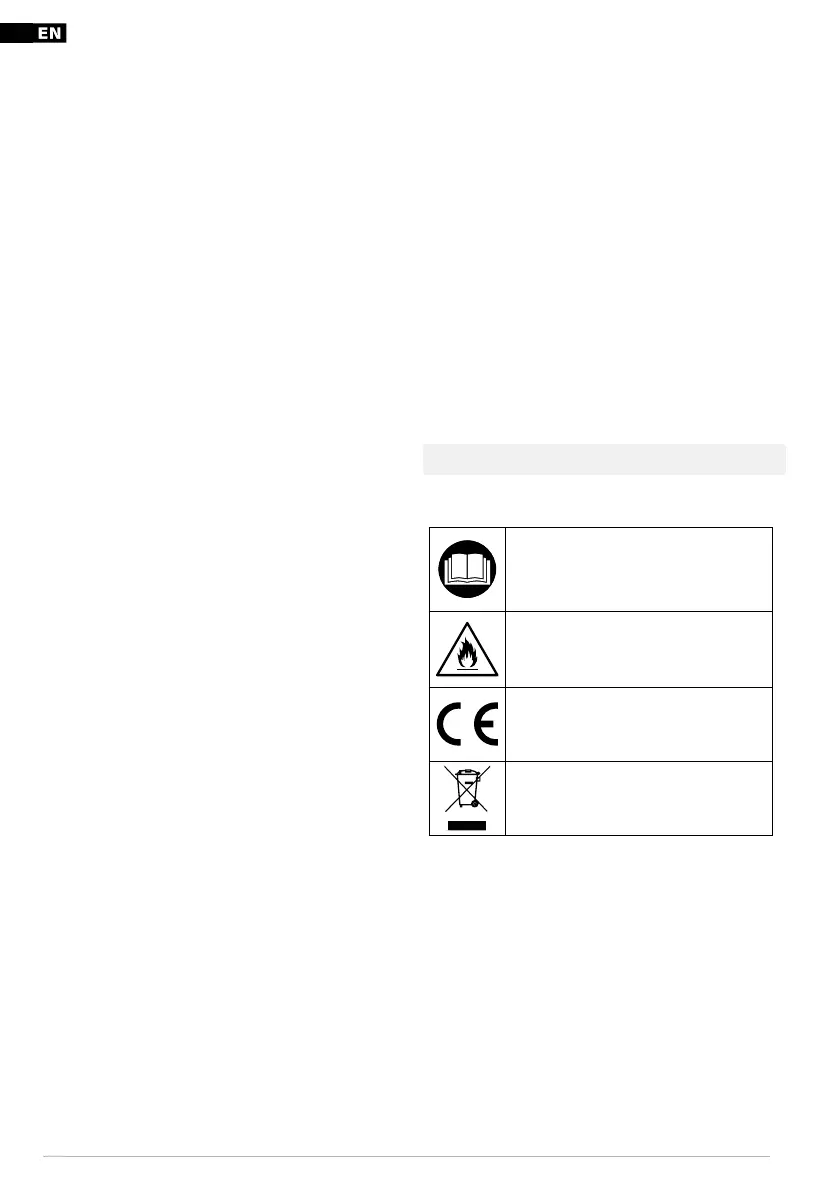
1.3 Symbols
Read the operating instructions carefully
and make sure that you understand the
instructions before you use the product.
Save the instructions for future reference.
Warning! Fire risk.
This product complies with applicable EU
directives and regulations.
Recycle as electrical waste.
1.4 Product overview
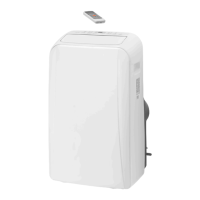
Figure 1
1. Control panel
2. Top air inlet
3. Air outlet
4. Lower air inlet
5. Wheel
6. Drainage nozzle
7. Handle
8. Air deflector
9. Remote control
10. Window sealing
Table of contents
1 Introduction 10
1.1 Product description ............................................ 10
1.2 System requirements ........................................10
1.3 Symbols ....................................................................10
1.4 Product overview.................................................10
2 Safety 11
2.1 Safety definitions .................................................. 11
2.2 Safety instructions for operation ..................11
3 Installation 12
3.1 To install the product ......................................... 12
3.2 To install batteries in the remote control .12
4 Operation 12
4.1 To do before you operate the product ......12
4.2 To install the Smart Life app .......................... 12
4.3 To register in the Smart Life app .................12
4.4 To log in to the Smart Life app......................12
5 To connect the product to the Smart Life app 13
5.1 Control panel and remote control guide ..13
5.2 To set the product in “Cool” mode..............13
5.3 To set the product in “Fan” mode ................13
5.4 To set the product in “Dry” mode................13
5.5 To set the timer to a start time ...................... 13
5.6 To set the timer to a stop time ......................13
6 Storage 13
6.1 To prepare the product for storage .............13
6.2 To prepare the product for use after
storage ......................................................................14
7 Maintenance 14
7.1 To drain the product ........................................... 14
7.2 To clean the product ..........................................14
7.3 To clean the filters of the product ...............14
7.4 Error codes .............................................................14
8 Troubleshooting 15
9 Disposal 15
9.1 To discard the product ......................................15
10 Technical data 16


 To Next Page
 Loading...