13
7.1. Main View
This section of the control panel is used to congure inputs, outputs and also set names for them.
The universal panel view sits constantly on the upper half of the control panel, allowing for quick
access to the most important features.
Top bar:
1. Standby button
2. Sample Rate select
3. Clock Source
4. Tab Selection
5. Options Panel, Minimize and Close
Main View:
6. 2 x VU style level Meters
7. Source drop-down menu for Main Monitor
8. Source drop-down menu for Headphones
9. Main volume attenuator
10. Headphone volume attenuator
11. Mono/ Dim/ Mute buttons
12. Headphone Mono/Mute button
13. Metering Source Selection
14. Highly accurate Peak Meter
15. 3 x Independently assignable Presets
7.2. Standby/Power On View
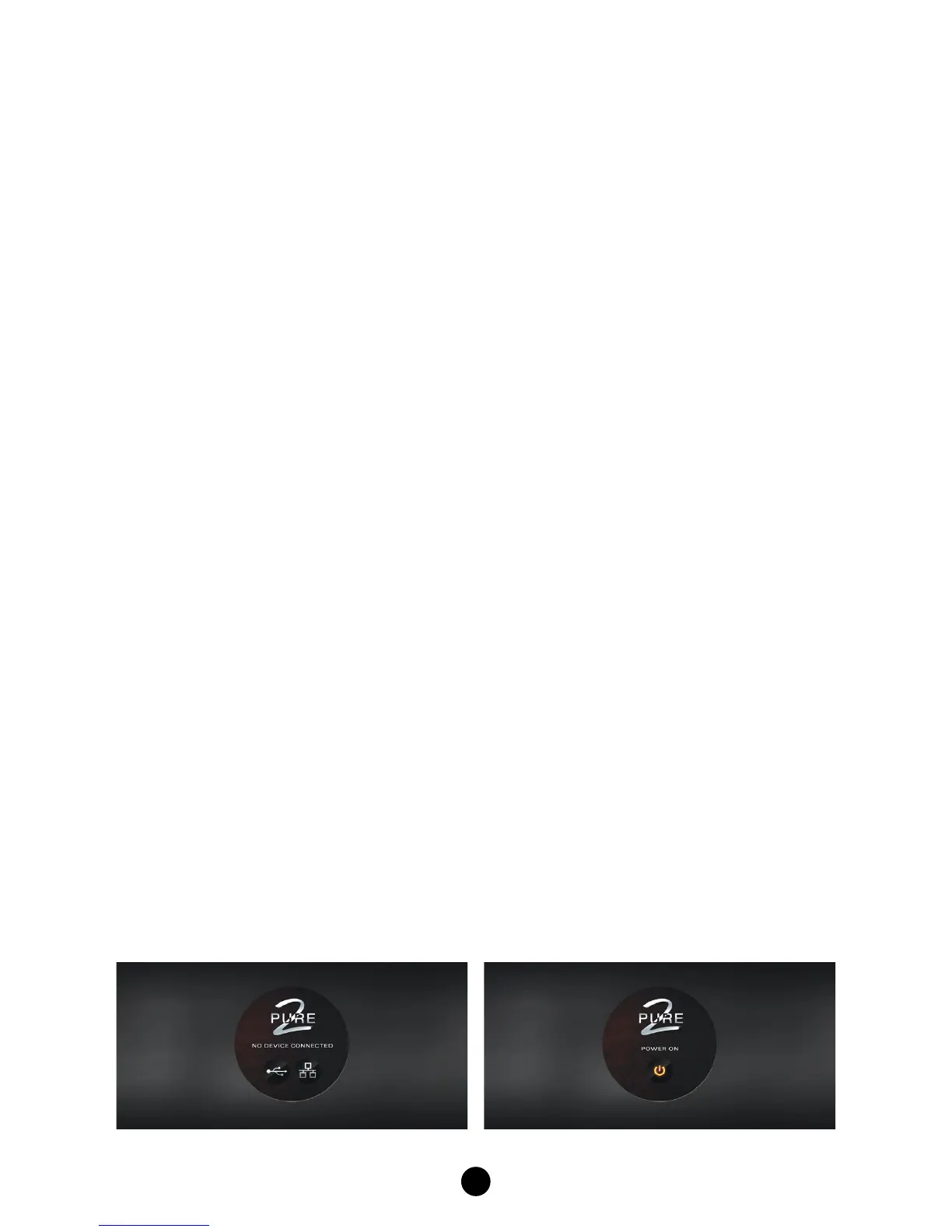
In Standby, the software control panel conrms if the device is connected.


 To Next Page