4 / Adjusting Instruction
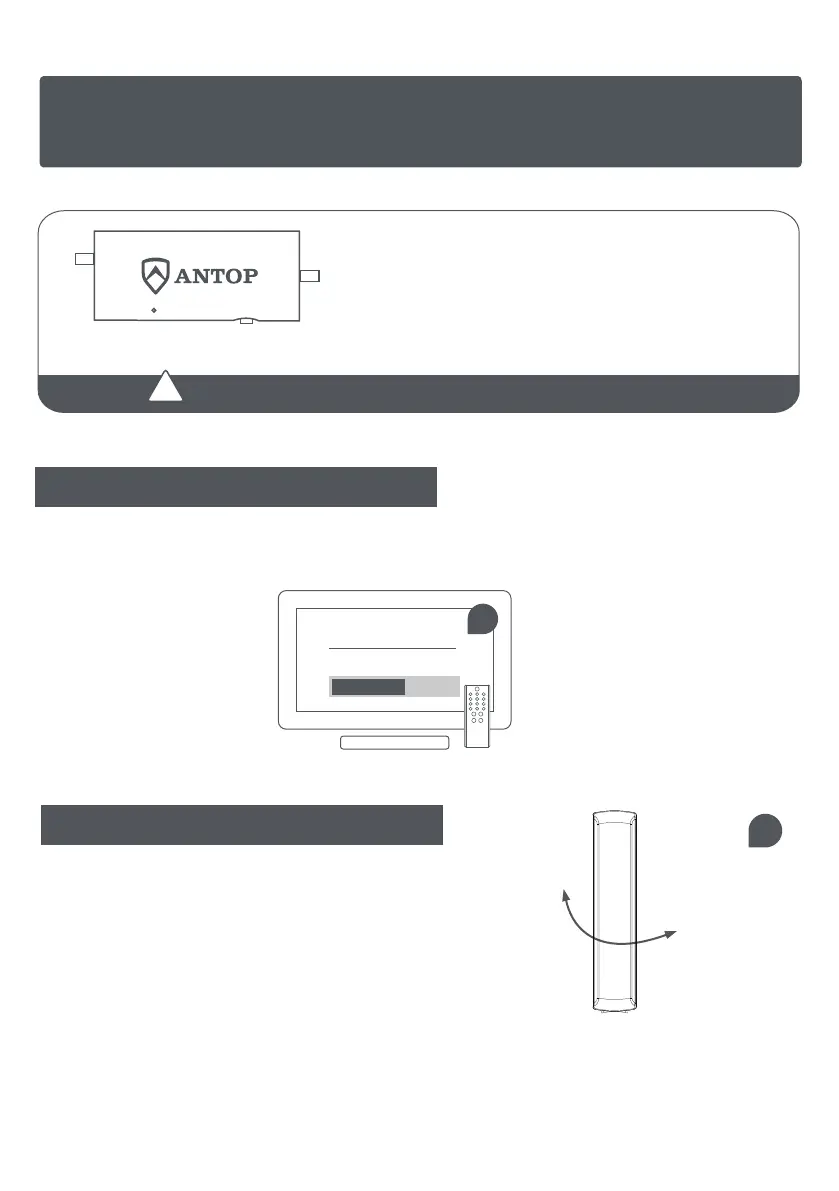
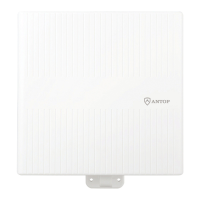
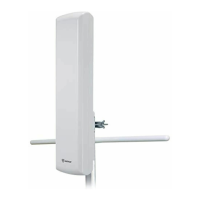
For the best reception, adjust the direction of antenna.
4
4
The
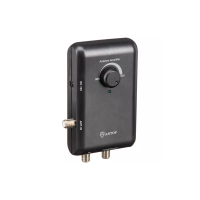
Power Inserter
must be powered in order to function.
Push the smart switch On or Off and select the switching
with which more channels are received.
·Switch Off - The LED indicates yellow for normal reception.
·Switch On - The LED indicates green for stronger reception.
OFF/ONLED
Scan channels after each switching in the power inserter.
!
3 / Setting and Scanning
In the TV’s setup menu, set the mode to “Antenna” or “Air”, then, set TV to “Scan” for channels.
Consult the TV manual for detailed instructions.
CHANNEL SCAN
scanning for channels
3
Reminder:
If you are using a Splitter, it should be an all port DC power passing model.
To purchase an Antop all ports DC Power Passing Splitter, please call us at 1-909-947-8883.
Or go to antopusa.com and visit our on-line store's accessories page, search "splitter."


 To Next Page