DiaLog Elite PLC Interface Manual
Conventions
Used in this
Guide
To help you understand the information in this guide, a consistent set of documentation
conventions are used to represent certain material.
The following table describes the typographic conventions used in this guide to help you
locate and interpret information.
Convention Description
Italic text Indicates a parameter that you can set.
E
XAMPLE:
DiaLog accepts a return call as an acknowledgement of all
alarms if you enable the Call In Acknowledge feature. The call
must come during the 30-second Between Calls Delay, or
DiaLog calls the next number on the list.
Courier font
Indicates messages shown on the DiaLog display or information
printed on reports.
E
XAMPLE:
If parameters for channel 7 were set up as follows, then this
message appears on the pager’s display:
NORTHWEST FACILITY-7 NO 2 TANK LEVEL HI 101.5
GALS
“Text enclosed in
quotes”.
Indicates messages that DiaLog speaks.
E
XAMPLE:
The power on diagnostics take about 45 seconds to complete,
followed by the voice announcing:
“This is DiaLog Elite. Program mode activated. System is
armed. System ready. Enter selection.”
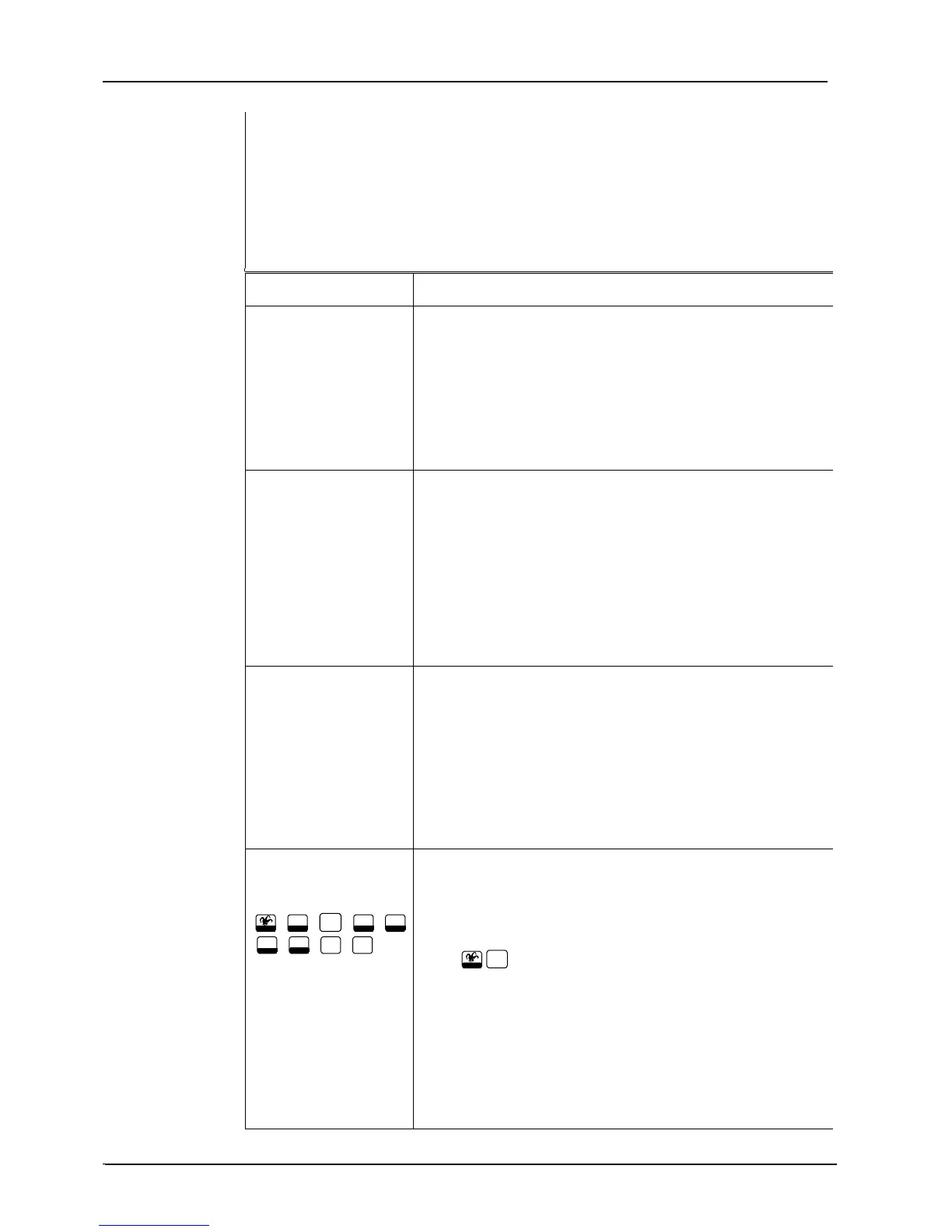
Picture of key from
front panel
Home
,
1
Prog
,
2
Run
,
#
Enter
,
Ack
Clear
Arm
Reset
,
Disarm
Bks
,
0
Status
,
5
S
krPh
These keys are used when a special key on the front panel must
be pressed to accomplish a task.
E
XAMPLE:
Press
Home
2
Run
to enter RUN mode.
.
iv Version 1.2
©
Antx, inc. 2001



 To Next Page