- 7 -
STARTUP SHUTDOWN
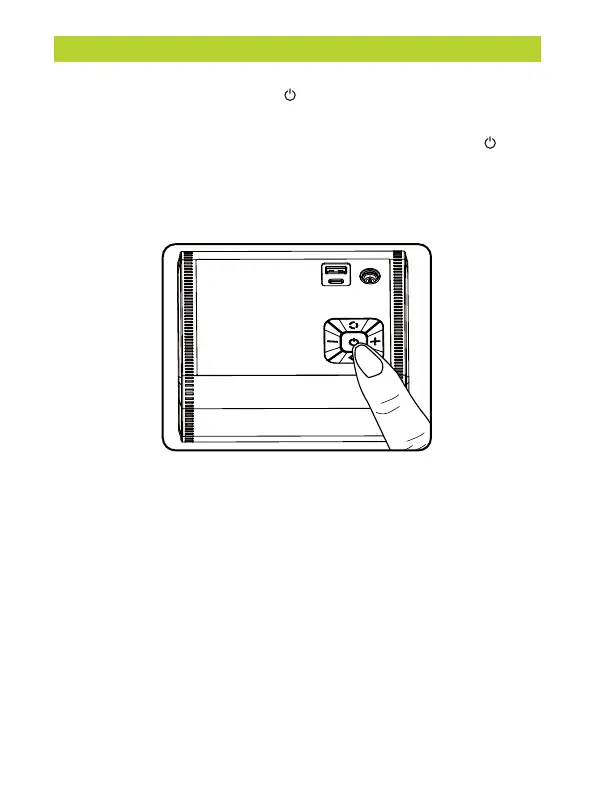
Press and hold the power button for three seconds to turn on the
device. The screen will light up.
While the device is turned on, press and hold the power button for
three seconds to turn off the device. The screen will go completely
dark.
NOTE:
If the device remains idle in the turned-on state for 120 seconds, it will
automatically enter a power-saving sleep mode. To wake up the
device, simply press the power button briefly.


 To Next Page