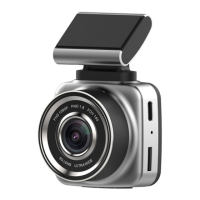
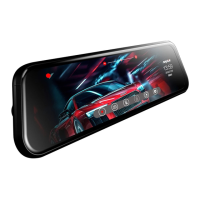
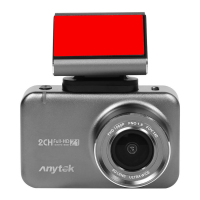
Power(PWR): On/Off; Turn on/off display; Reset
1)Touch any point of the display.
2)Touch to enter the Settings menu.
3)Press to reset the sub-menu of video
4)Press the button to system reset
5)Press the button to star, stop or pause of shooting.
The sign, will flash.Press any point of the display to turn on
Press to switch between front lens, rear lens and
The files will be saved in Micro sd card.
2.Connect it to Power source.
1. Press the button, Power for 3s


 To Next Page