13
Wall Mounting
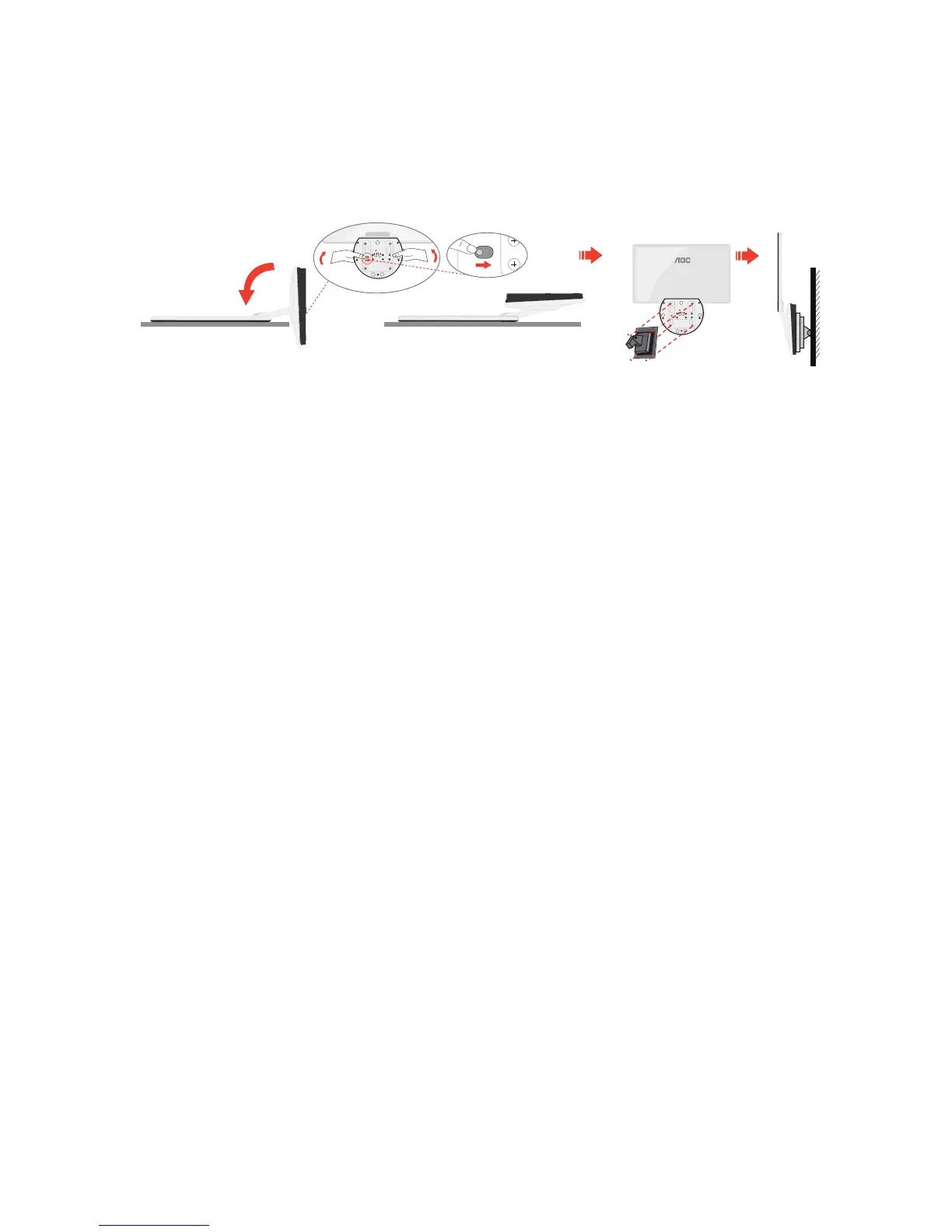
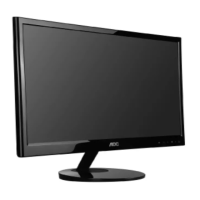
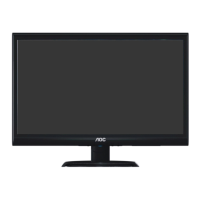
Preparing to Install An Optional Wall Mounting Arm.
Thismonitorcanbeattachedtoawallmountingarmyoupurchaseseparately.
Disconnectpowerbeforethisprocedure.Followthesesteps:
1 Placemonitoronthefirmsurface(suchas,table)
2 Useyourhandstoholdthemonitorbase
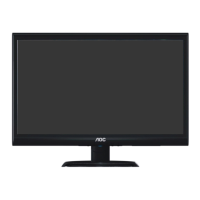
3 Useyourhandstofoldthemonitorbaseasfigureinstructedabovebyswitch
safetylocktotherightside
4 Oncethemonitorbasebegintofoldyoucanreleasethesafetylock(caution:you
musthear“click”afteryoufoldthemonitorbasetowallmountpositionto
ensuresafetylockislockproperly.)
5 Followthemanufacturer'sinstructionstoassemblethewallmountingarm.
6 Placethewallmountingarmontothebackofthemonitor.Lineuptheholesof
thearmwiththeholesinthebackofthemonitor.
7 Insertthe4screwsintotheholesandtighten.
8 Reconnectthecables. Refertotheuser'smanualthatcamewiththeoptional
wallmountingarmforinstructionsonattachingittothewall.
Noted: VESAmountingscrewholesarenotavailableforallmodels,pleasecheck
withthedealerorofficialdepartmentofAOC.


 To Next Page