33
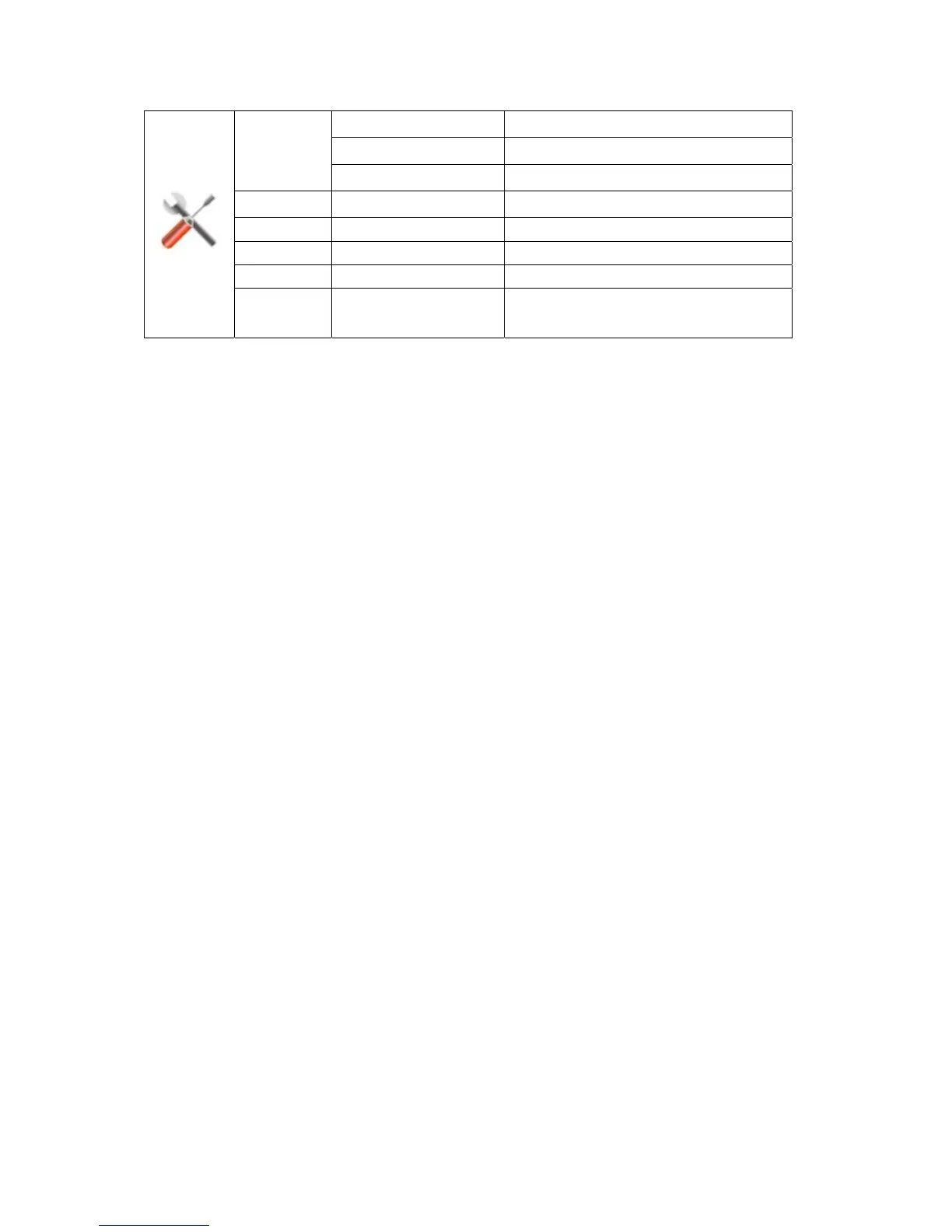
Input Select
Auto Select to Auto Detect input signal
Analog Select Analog Signal Source as Input
DVI Select Signal Source as Input
Auto Config yes or no Auto adjust the picture to default
Image Ratio wide or 4:3 Select wide or 4:3 format for display
DDC-CI yes or no Turn ON/OFF DDC-CI Support
Off Timer 0~24hours Select timing to turn off the monitor.
Information
Show t he infor mation of the main ima ge a nd
sub-image source
DVI


 To Next Page