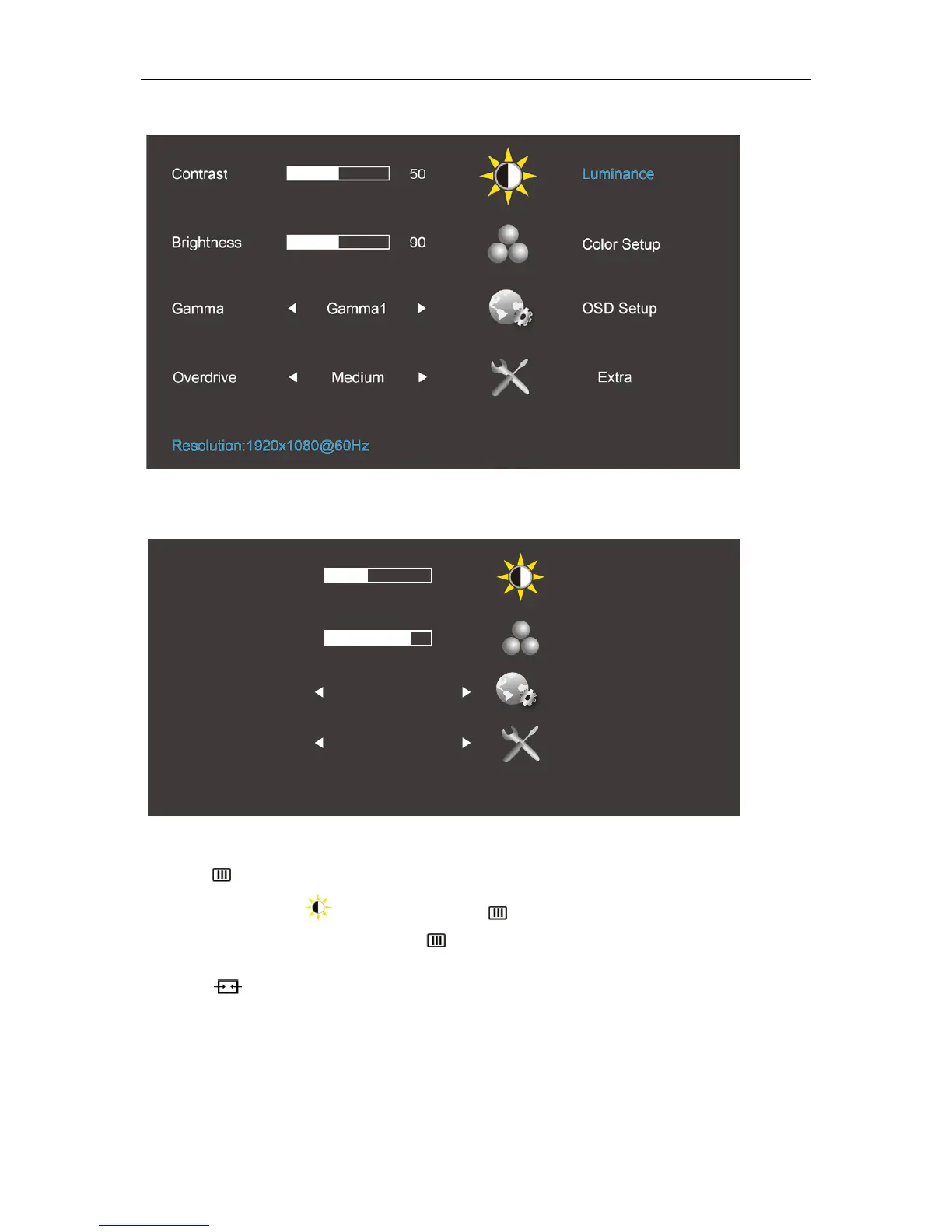
Luminance (3D function disable)
Luminance (3D function enable)
1. Press (Menu) to display menu.
2. Press < or > to select (Luminance), and press to enter.
3. Press < or > to select submenu, and press
to enter.
4. Press < or > to adjust.
5. Press to exit.
Contrast 50
Gamma Gamma 1
Overdrive Off
LightBoost
tm
NVIDIA
@
Luminance
Color Setup
OSD Setup
Extra


 To Next Page