LM914
12
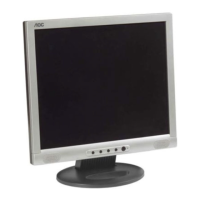
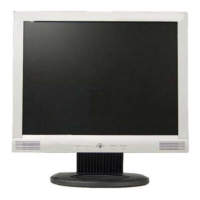
FRONT PANEL CONTROL
•
Power Button:
Press this button to switch the monitor’s power ON or OFF.
•
MENU / ENTER :
Activate OSD menu when OSD is OFF or activate/de-activate adjustment
function when OSD is ON or Exit OSD menu when in Brightness/Contrast
OSD status.
•
Brightness / :
Adjust brightness or function adjust.
•
Contrast / :
Adjust contrast or function adjust.
•
••
• Auto Adjust button / Exit:
1. When OSD menu is in active status, this button will act as EXIT-KEY
(EXIT OSD menu)
2. When OSD menu is in OFF, press this button for 2 seconds to
activate the Auto Adjustment function.
The Auto Adjustment function is used to set the HPos, VPos, Clock
and Focus.
• Power Indicator:
Green — Power On mode.
Orange — Off mode.
• Headphone Jack:
A headphone can be connected to this jack for private audio listening.
• Volume Control:
Adjusts the monitor’s built-in speakers volume.



 To Next Page