EN-10
USER CONTROLS
Base Controls
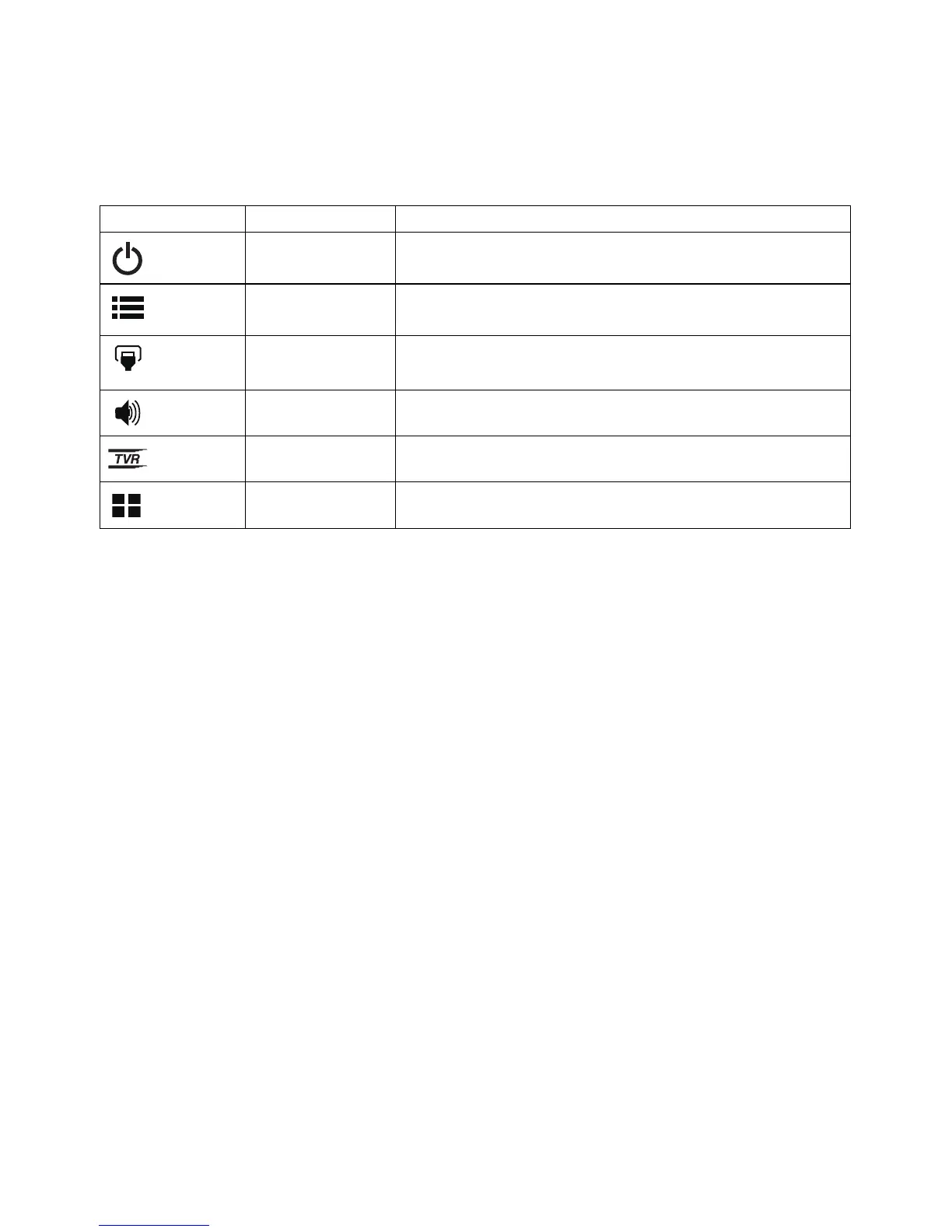
Icon Item Description
Power button/
indicator
Turns the monitor on/off. Blue indicates power on.
Amber indicates standby/power saving mode.
OSD functions
Press to view the OSD. Press again to enter a
selection in the OSD.
Input button Press to toggle input sources.
Volume button Press to activate the volume sliding scale.
TVR Press to trigger TVR menu.
Mode Press to trigger Mode control.



 To Next Page