A
A
C
C
P
P
I
I
S
S
u
u
s
s
p
p
e
e
n
n
d
d
t
t
o
o
H
H
a
a
r
r
d
d
D
D
r
r
i
i
v
v
e
e
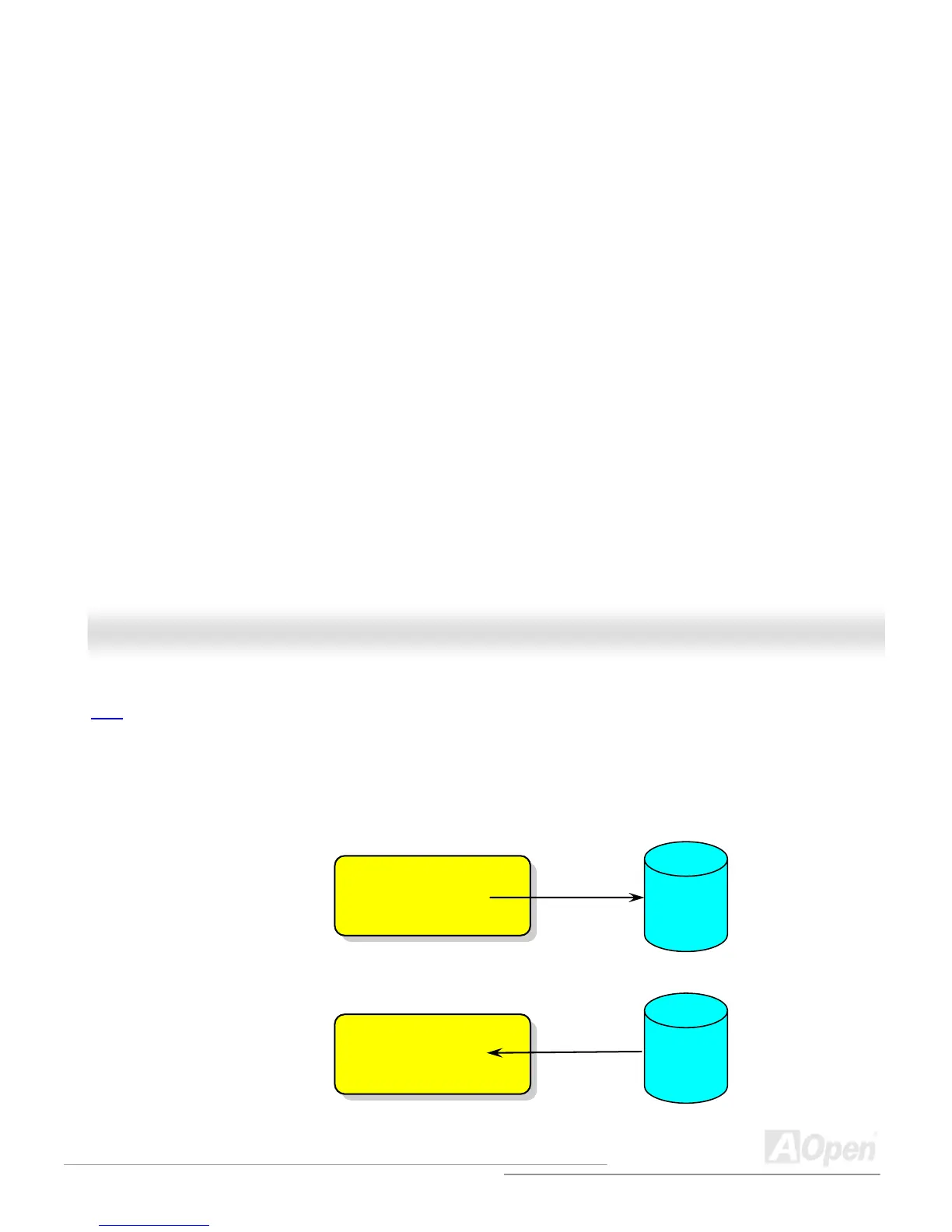
ACPI Suspend to Hard Drive is basically controlled by Windows operation system. It saves your current work (system status,
memory and screen image) into hard disk, and then the system can be totally power off. Next time, when power is on, you can
resume your original work directly from hard disk within few seconds without go through the Windows booting process and run
your application again. If your memory is 64MB, normally, you need to reserve at least 64MB HDD space to save your memory
image.
System Image &
Status
Hard
Disk
When go into Suspend:
Save into
Restore within
seconds
System Image &
Status
Hard
Disk
When power-on next time:



 To Next Page