Need help?
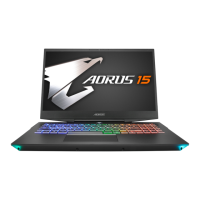
Do you have a question about the AORUS 15G and is the answer not in the manual?
Steps and notes for powering on the notebook for the first time.
Critical notes and precautions for initial notebook setup and operation.
Explains restoring the OS from a hidden partition to factory default settings.
Details on how to initiate the Windows recovery tool for OS reinstallation.
Step-by-step guide for performing system recovery on Windows 10.
Use a recorded restore point to restore Windows.
Recover Windows using a specific system image file.
Fix problems that prevent Windows from loading.
Use Command Prompt for advanced troubleshooting.
Change PC's UEFI firmware settings.
Change Windows startup behavior.
Information on warranty, service, and support links.
Frequently Asked Questions and support links.
 General
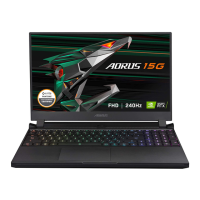
| Display Size | 15.6 inches |
|---|---|
| Resolution | 1920 x 1080 |
| Processor | Intel Core i7-10870H |
| Graphics | NVIDIA GeForce RTX 3060 |
| RAM | 16GB DDR4 |
| Storage | 512GB SSD |
| Operating System | Windows 10 Home |
| Weight | 2.2 kg |
| Battery | 94Wh |
| Refresh Rate | 240Hz |
| Wireless | Wi-Fi 6, Bluetooth 5.0 |
| Ports | HDMI 2.0, Mini DisplayPort 1.4, Thunderbolt 3, RJ-45, 3.5mm audio jack |
| Keyboard | RGB backlit keyboard |
| Dimensions | 356(W) x 250(D) x 25(H) mm |

 To Next Page