Need help?
Do you have a question about the AORUS 17 and is the answer not in the manual?
Steps for connecting the AC adapter, power cord, and initial boot sequence.
Identifies all external ports and internal components of the AORUS notebook.
 General
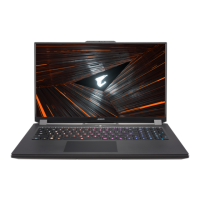
| Display Size | 17.3 inches |
|---|---|
| Processor | Intel Core i7 / i9 (various generations) |
| Graphics | NVIDIA GeForce RTX 30 series (varies by model) |
| Display Resolution | 1920x1080 (FHD) / 2560x1440 (QHD) |
| Display Refresh Rate | 144Hz / 240Hz / 300Hz |
| RAM | 16GB / 32GB / 64GB DDR4 |
| Storage | 512GB / 1TB / 2TB SSD (NVMe PCIe Gen3/Gen4) |
| Operating System | Windows 10 / Windows 11 |
| Battery | 99Wh |
| Weight | Approx. 2.7 kg (varies by model) |
| Ports | HDMI, Mini DisplayPort, Audio Jack |
| Wireless | Wi-Fi 6 |

 To Next Page