EasyManua.ls Logo

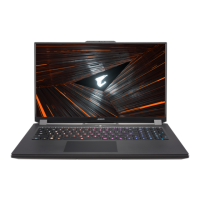
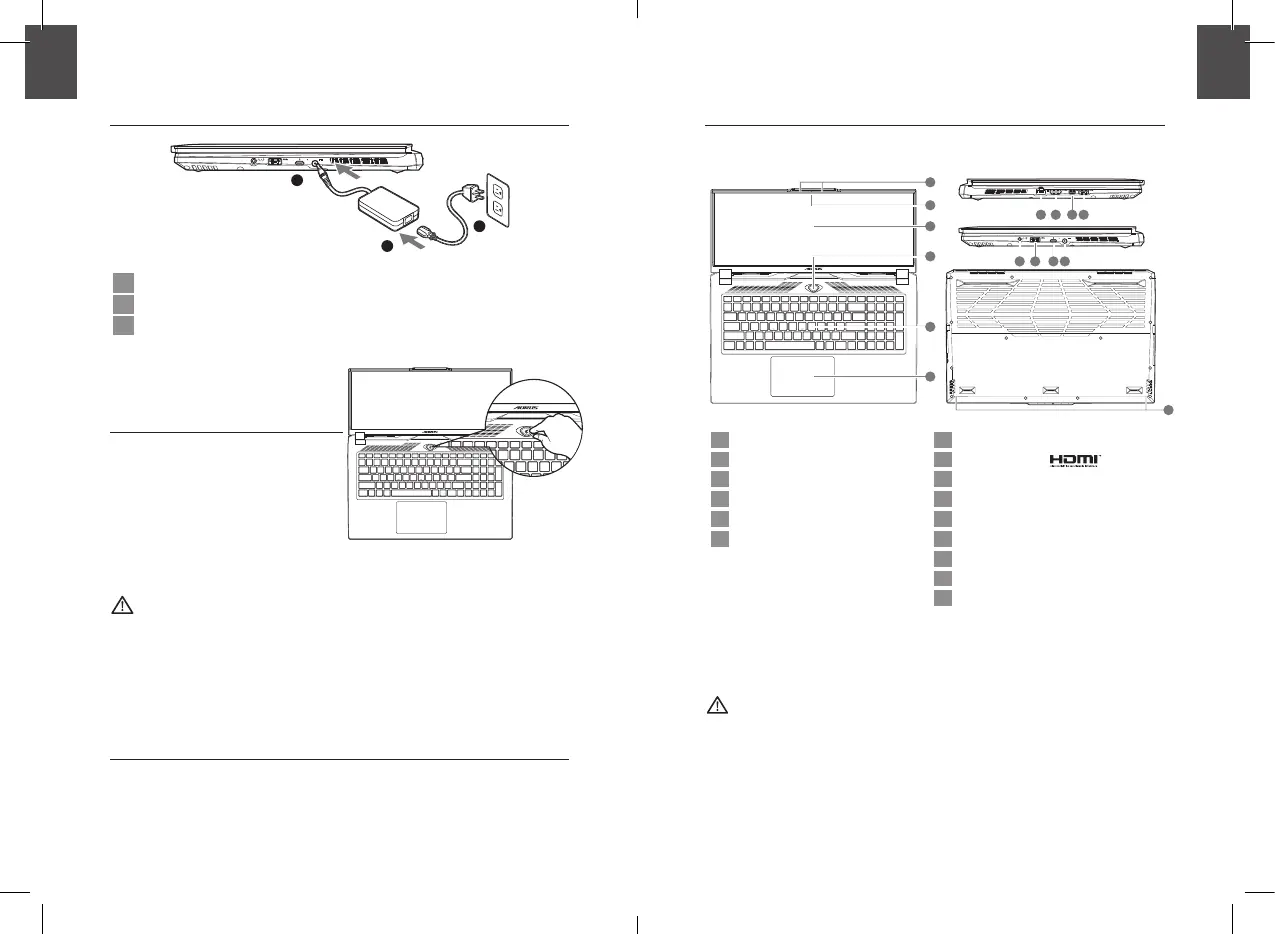
AORUS 17 - Using AORUS Notebook for the First Time; Power Connection and Initial Boot; AORUS Notebook Tour; Notebook Component Identification

AORUS 17
15 pages
Print Icon
To Next Page IconTo Next Page
To Previous Page IconTo Previous Page
Loading...
1 2
1-1. Using AORUS Notebook for the First Time
DCIN
SS
1
2
3
1 Connect the power cord to the AC adapter.
2 Connect the AC adapter to the DC-in jack on the right side of the notebook.
3 Connect the power cord to the power outlet.
1-2. Switching on the Power
After you turn on the notebook for the



audio will not function until Windows®

IMPORTANT:


accessible.
-

available SKU.




1-3. Full User Manual

https://www.gigabyte.com/Support




2. AORUS Notebook Tour
SS
DCIN
SS
2
4
3
1
5
6
SS
DCIN
SS
15
SS
DCIN
SS
7 8 9 10
SS
DCIN
SS
11
12
13
14
1 Microphone 7 
2  8 
3 Display Panel 9 
4 Power Button 10 
5 Keyboard 11 
6 Touchpad 12 
13 
14 
15 Speaker
IMPORTANT:



that location for


such



-

English
EN
English
EN

Related product manuals