7
Operation
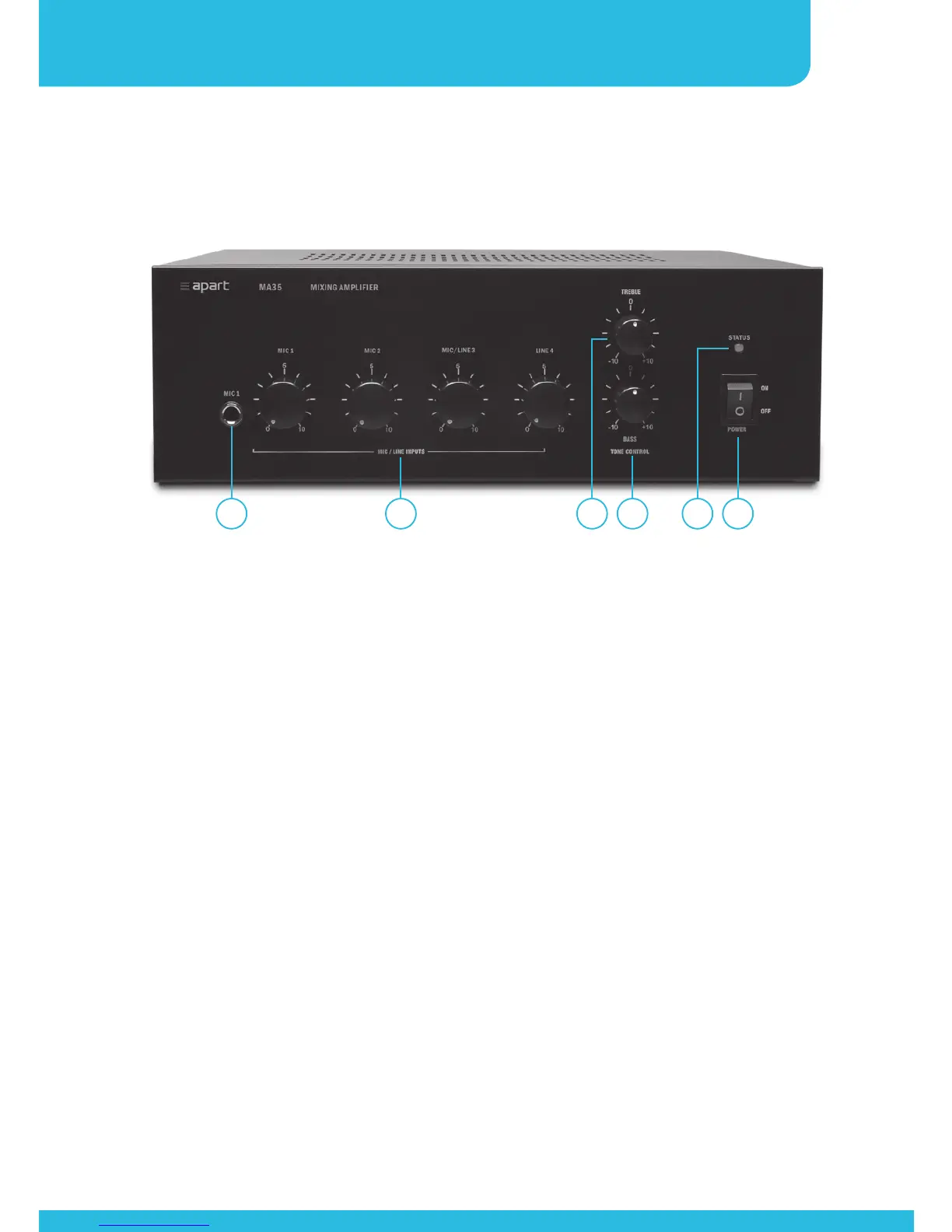
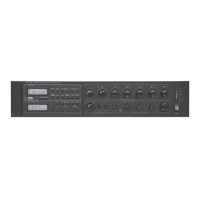
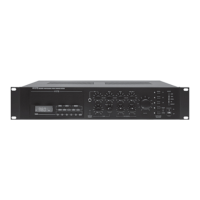
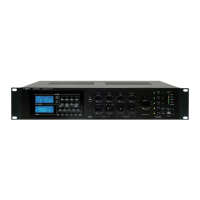
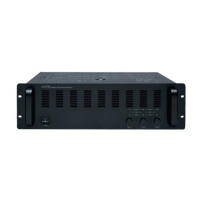
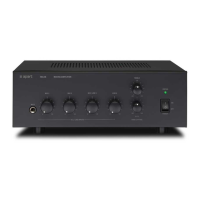
1. Power switch: flip the switch to turn the mains power on and
off. This switch has no influence on the emergency power
supply.
2. Power/status indicator: the led lights up green when mains
or emergency power is present. When the led blinks red, you
are reaching the power limits and the limiter will be activated.
Make sure the led never turns red. Reduce the levels if
necessary, or insert a dedicated compressor/limiter/leveler in the
signal path, especially when using paging microphones.
3. Bass tone control: center position corresponds to a flat
response. Turn left to decrease low frequency response, turn
right to boost low frequencies.
4. Treble tone control: center position corresponds to a flat
response. Turn left to decrease high frequency response, turn
right to boost high frequencies.
5. Mic/line levels: these rotary controls act as volume controls.
6 5 4 3 2 1


 To Next Page