6
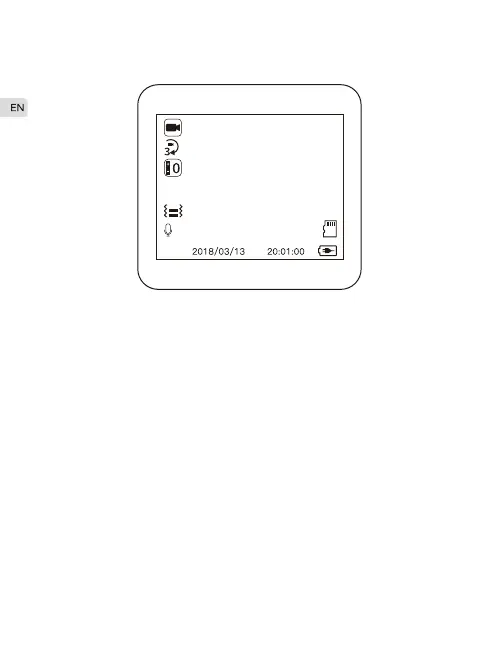
Video Mode
1080P 00:03:48
Insert a SD card and connect the camera to the power supply, the
dash camera will turn on then record automatically.
Start / Stop Video
In the video mode, short press the “Record/OK”button to start / stop
recording.
Up/Down
Insert the rear camera, press the “Up" button, switch from front
view/Back view/Picture In Picture view/Split-screen view.
Short press the “Down” button, turn on/off the audio.
Lock/Unlock Video
In the recording status, press “Menu" button to lock/unlock the
current video.
·
·
·



 To Next Page