7
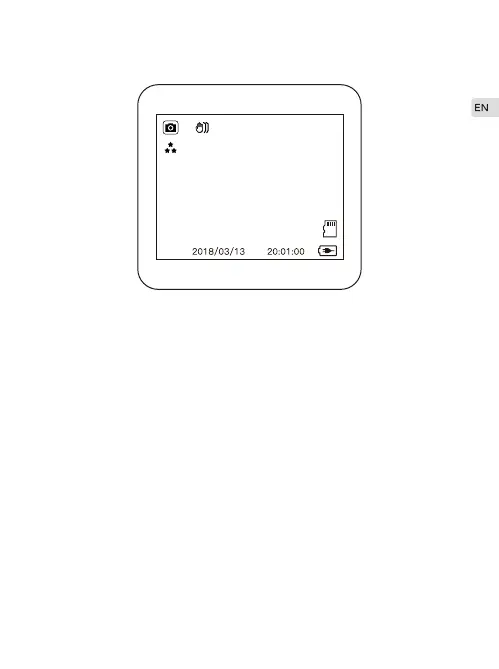
Camera Mode
12M 4032x3040
In the recording status, press the “Record/OK" button to suspend the
video, and then long press the “Menu" key to enter the camera mode.
Take Pictures
In Camera mode, short press “Record/OK" button to take pictures.
Photo Mode Menu
In Camera mode, press “Menu" button into photo mode menu: Capture
Mode/Resolution/Burst Photo/Quality/Anti-Shaking/Date Stamp.
·
·



 To Next Page