8
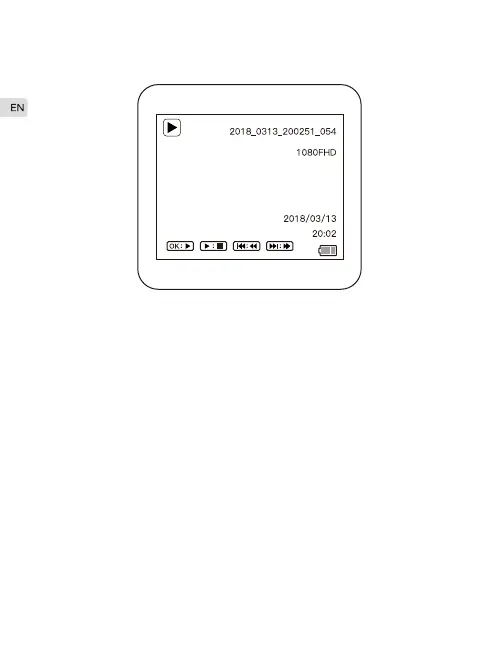
Playback Mode
In the camera mode, long press “Menu”button to switch to playback
mode.
Start / Stop playback
In playback mode, short press the “Record/OK" key to playback /
stop.
Select Video
In playback mode, press “Up" ,“Down" button to select the video you
want to play back.
Fast forward/Rewind
While playing video, press the “Up" “Down" button to fast
forward/rewind the video.
Playback Mode Menu
In playback mode, press the “Menu" button to enter the Playback
Mode menu. Available functions: Delete, Protect, Slide Show .
Back to Video Mode
In playback mode, long press the “Menu" button to the video mode.
·
·
·
·
·



 To Next Page