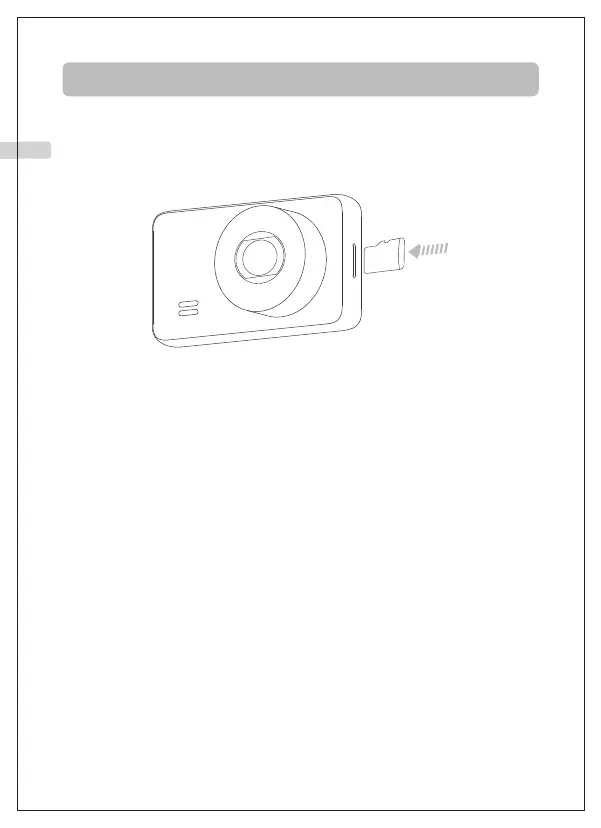
1. MicroSD card specification: 32GB~128GB, Class 10 or above (sold
separately).
2. Insert the TF card and turn on the dash cam, format the TF card on the
camera before first use.
3. For 64GB/128GB cards, please format to a FAT32 file system on your
computer before use, (Ifyouwanttomakesuretheformatprocess,you
cansearchonlineon"HowtoformataMicroSDcardtoFAT32".)
Preparation and Installation
1. Inserting and Formatting TF Card
01 02 03 04 05 06 07 08 09 10 11 12 13 14 15
16 17 18 19 20 21 22 23 24 25 26 27 28 29 30
31 32 33 34 35 36 37 38 39 40 41 42 43 44 45
EN



 To Next Page