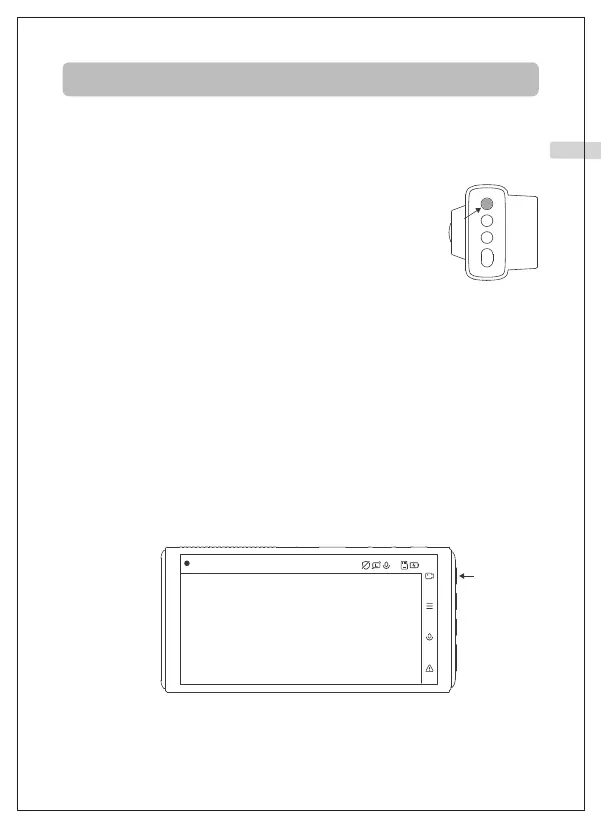
Make operation easier by following the bar on the right side of the screen.
Product Operation
A. Manual Startup
After connecting with the USB cable or car charger,
the camera can be activated by pressing the Power
button for 1 second.
B. Auto Startup
After connecting with the car charger, the camera can turn on and start
recording automatically when the engine starts and turn itself off when
the engine shuts off.
Camera Startup
A. Start Recording
The camera will automatically record when it is turned on. A flashing blue
light means that the camera is recording.
B. Stop Recording
Press the first button to stop recording.
Camera Recording
2021/01/01 01:54:35
00:00:06
01 02 03 04 05 06 07 08 09 10 11 12 13 14 15
16 17 18 19 20 21 22 23 24 25 26 27 28 29 30
31 32 33 34 35 36 37 38 39 40 41 42 43 44 45
EN



 To Next Page