8
Add camera
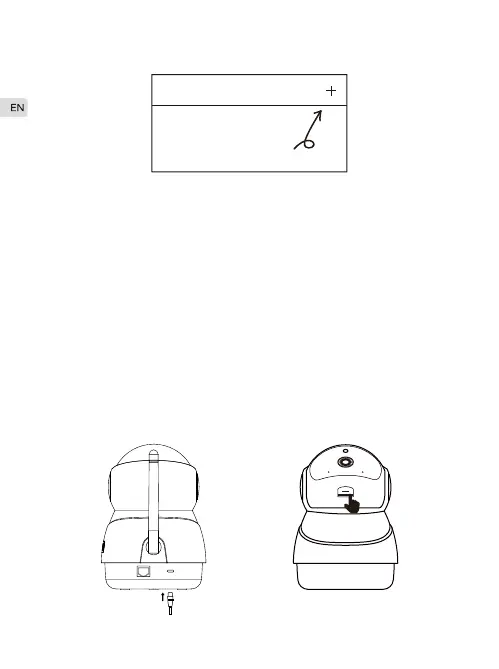
Camera power startup
Supply the camera with power.
The power indicator (on the left side of the camera)turns red.
Camera makes horizontal and vertical rotation. Wait for around 15 to
20 seconds and camera will announce “camera’ s ready” . You need
to make sure the power indicator flashes in red and camera makes
a “Di-di” sound, which indicates that camera finishes power
start-up . If the indicator stays in green or does not blink in red,
please press the reset bottom for 5 seconds.
After camera finishing power start-up, it can be added by clicking
the [+] in the upper right corner of “My camera” . Please choose a
suitable network mode accordingly.
·
·
·
·
My camera
No camera,add by +



 To Next Page