12
Details of software function
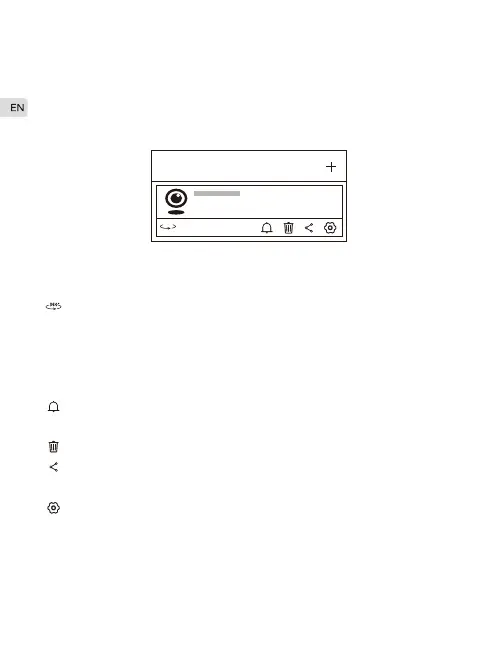
My camera
Access to panoramic navigation interface, and click “Try now” .
The camera will make a panorama shot of taking 15 photos
which create a long navigation picture. Each photo bookmarks a
position. Camera will turn to the bookmark position as you tap on
the navigation picture.
Click On/ Off to enable or disenable mobile detection and alert
notification.
Unbind the camera and the mobile phone.
Share the camera with other users by entering their IPC360
accounts.
Camera settings.
My camera
360°
:
:
:
:
:



 To Next Page