
 Need help?
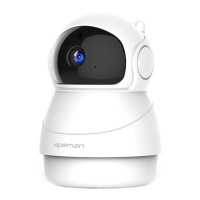
Do you have a question about the Apeman ID73 and is the answer not in the manual?
Step-by-step guide for creating an IPC360 account using an email address.
Steps to power on the IP camera and confirm its readiness for setup.
Guide to connecting the camera to the network using an Ethernet cable.
Procedure for pairing the camera with a 2.4GHz Wi-Fi network.
Details on renaming, sharing, LED indicators, and alert modes.
 General
| Two-way Audio | Yes |
|---|---|
| Motion Detection | Yes |
| Operating Temperature | -10°C to 50°C (14°F to 122°F) |
| Resolution | 1080P |
| Storage | Micro SD card (up to 128GB) |
| Wireless | 2.4GHz WiFi |

 To Next Page